Shop for WordPress maintenance packages and you'll find plans that look alike on the surface: "updates," "backups," "security," "support." The differences hide in the details. How often are updates run? Where do backups live, and has anyone tested restoring one? Who responds when the site breaks at 7pm on a Thursday?
This guide walks through what a monthly WordPress maintenance package should include, what separates a basic tier from a higher one, and the questions that tell you whether a package fits your site. It applies wherever your business is located, since this work is done remotely.
What a WordPress maintenance package is (and isn't)
A maintenance package is a recurring service, usually billed monthly, where someone else takes responsibility for keeping your WordPress site updated, backed up, secure and working. It's different from hosting (the server your site runs on) and different from a one-time fix (hiring a developer when something breaks).
Some packages bundle hosting; many don't. Some include small content edits; others charge for every change. Reading the line items closely matters more than the plan name.
The core of every package: what should be included
These are the items every monthly WordPress maintenance package should cover, even the entry tier.
1. Updates to WordPress core, themes and plugins
WordPress releases updates for security fixes and new features, and plugin and theme authors do the same. WordPress's own documentation says you should always update to the latest version and recommends backing up before you do (Updating WordPress, WordPress.org).
What to look for in a package:
- Frequency. Monthly is the minimum. Weekly is better for sites with many plugins or anything that takes payments, because security fixes reach your site sooner.
- A backup before each update, so a bad update can be rolled back.
- A check afterward. Someone should load the site after updating, not just click "Update all" and walk away.
Our WordPress update service runs monthly on Core and weekly on Essentials and higher, with a backup first and a check afterward.
2. Off-site backups you can actually restore
The WordPress handbook is blunt about why backups matter: your database holds every post and page, and if it's erased or corrupted you can lose everything (Backups, WordPress Developer Resources). It recommends backing up both the database and the files.
A good package keeps backups:
- Automatic and frequent (daily is common).
- Off-site, stored somewhere other than the server the site runs on, so one failure doesn't take out both.
- Restorable by the provider, without you having to figure out how.
See how we handle this on our WordPress backup services page.
3. Security hardening and monitoring
WordPress's Hardening WordPress guide covers strong passwords, file permissions, keeping plugins current, logging and monitoring. A maintenance package should handle the practical parts of that list for you: login protection, a security plugin that's configured (not just installed), and alerts when a plugin has a known vulnerability.
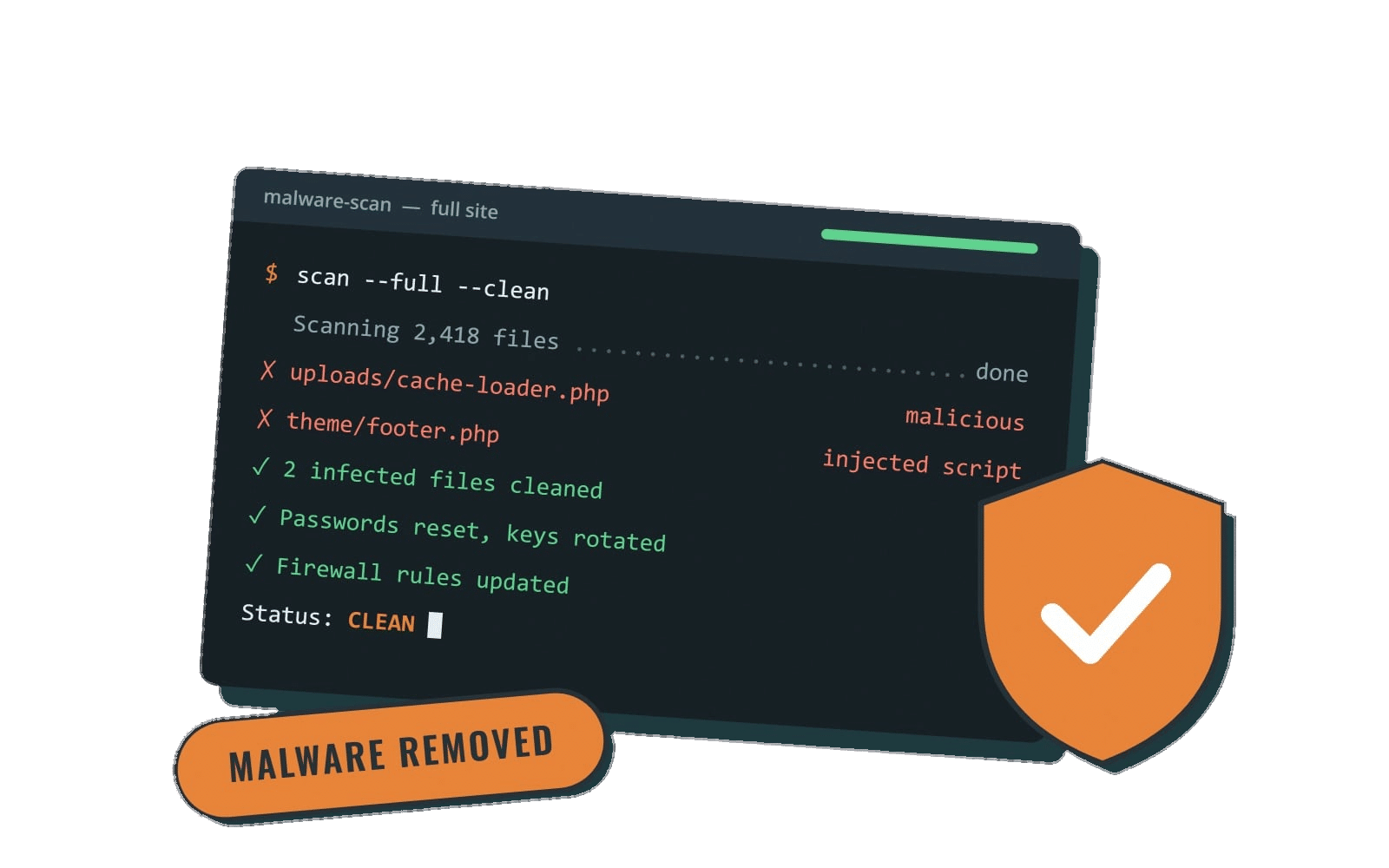
Be wary of any package that promises a site "can't be hacked." No one can honestly guarantee that. What a provider can promise is a process: updates, monitoring, backups and a plan for cleanup if something gets through. Our WordPress security services use SolidWP Security on every plan.
4. Uptime monitoring
Uptime monitoring checks your site around the clock and alerts the provider if it goes down. Without it, you may find out from a customer. Ask how quickly the provider acts on an alert during business hours, and what happens after hours.
5. Real human support with stated hours
"Support" can mean anything from a ticket queue answered in a week to a person who knows your site. A good package states:
- Support hours and time zone.
- Expected response time (same day, next business day, etc.).
- What counts as an emergency and whether after-hours help is included.
If those details aren't written down, assume they aren't promised.
What higher-tier packages usually add
Once the basics are covered, providers separate their tiers with extras. These are the ones worth paying attention to.
Small content edits
Text changes, swapping an image, adding a team member, tweaking a form. Some packages include a fixed number per month; others include "unlimited" small edits, usually defined by a time limit per request. Ask for the definition. Our unlimited website edits are small tasks of about 30 minutes or less, included on Premier and Performance, with five a month on Essentials.
Staging and update testing
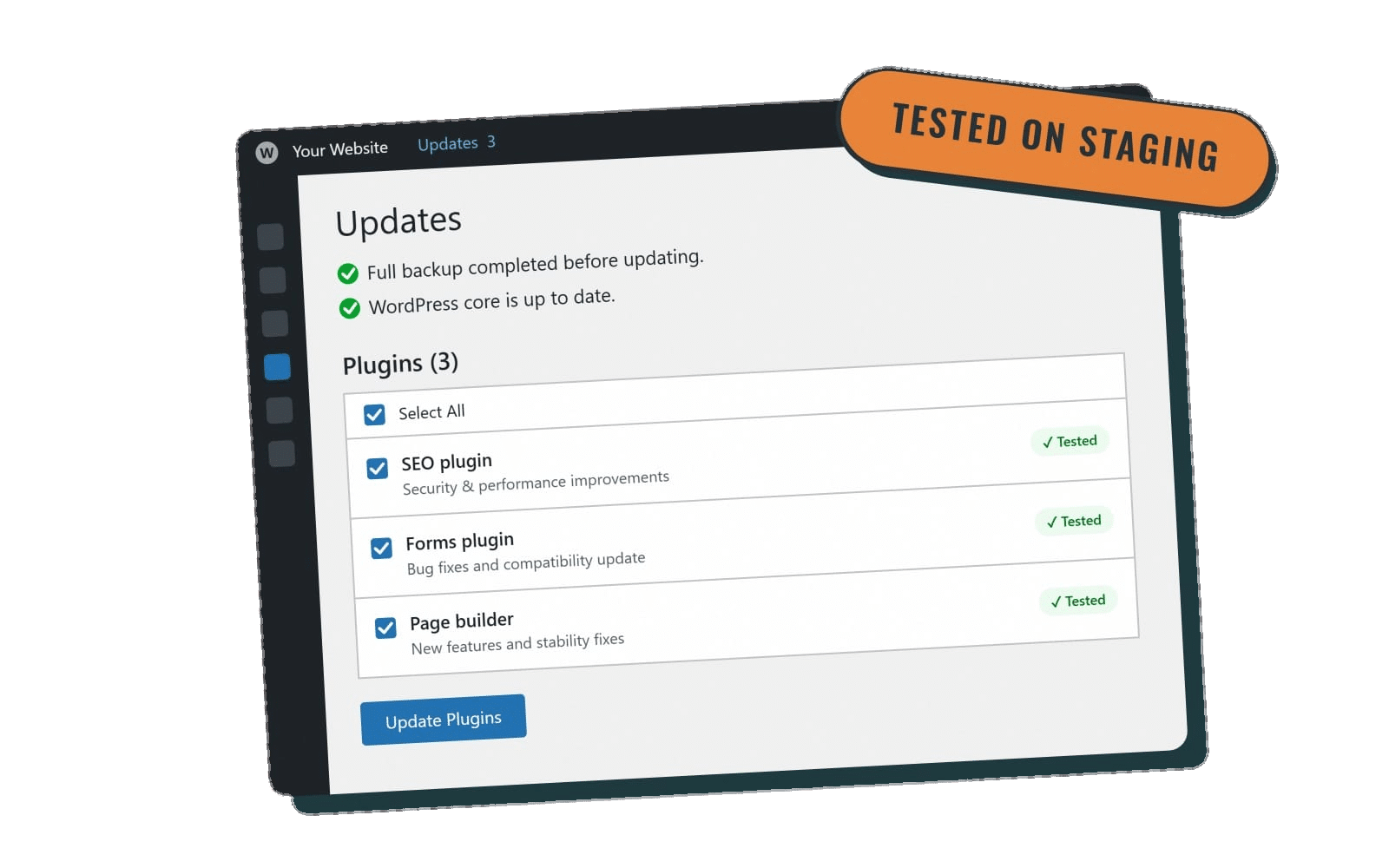
A staging site is a private copy of your website. Running updates there first catches conflicts before they reach visitors. This matters most for sites with custom code, page builders or many plugins.
Speed optimization
Caching, image compression and trimming what slows pages down. Faster pages are a better experience for visitors, and Google says its core ranking systems look to reward content that provides a good page experience (Google Search Central). If a package claims speed work, ask whether they measure before and after. Our speed optimization is included on Premier and Performance.
After-hours emergency help
If your site makes money in the evening, a package that only covers business hours may not be enough. Check the exact window. "24/7" sometimes means 24/7 monitoring, not 24/7 people. Read more on our emergency support page.
WooCommerce and membership support
Online stores and membership sites have more moving parts: payment gateways, checkout flows, subscriptions and emails. After updates, someone should test that a customer can still check out and that forms still send. If you run WooCommerce, make sure the package mentions it by name.
Accessibility tools
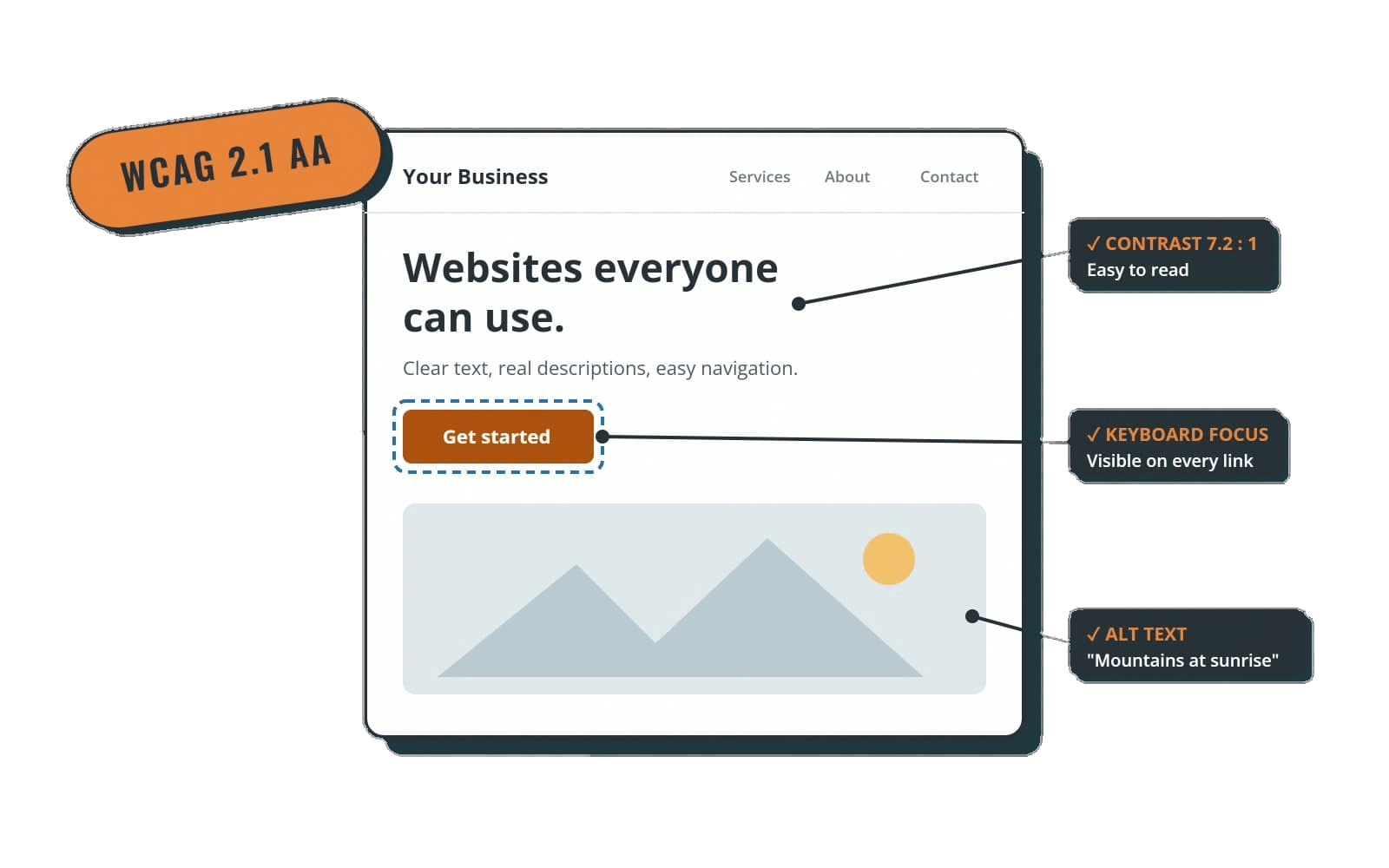
Some packages include or discount accessibility tools. These can help, but no plugin or overlay guarantees legal compliance. For the standards behind accessibility, see our plain-English guide to what an ADA compliant website is.
Comparing tiers: a quick checklist
When you put two or three WordPress maintenance packages side by side, compare these line by line:
| Question | Why it matters |
|---|---|
| How often are updates run? | Monthly vs weekly changes how quickly security fixes reach your site |
| Is there a backup before every update? | It's how a bad update gets rolled back |
| Where are backups stored, and who restores them? | Off-site and provider-restored is the standard to look for |
| Which security tool is used, and who configures it? | An installed-but-ignored plugin isn't security |
| Is uptime monitored? | You shouldn't hear about downtime from customers |
| What are the support hours and response times? | "Support" means nothing without them |
| Are small edits included? How is "small" defined? | Edits are where surprise invoices come from |
| Is there after-hours emergency help? | Matters most for stores and lead-driven sites |
| Is there a contract, setup fee or cancellation fee? | Month-to-month keeps the provider accountable |
| Is hosting included or separate? | Affects the true monthly total |
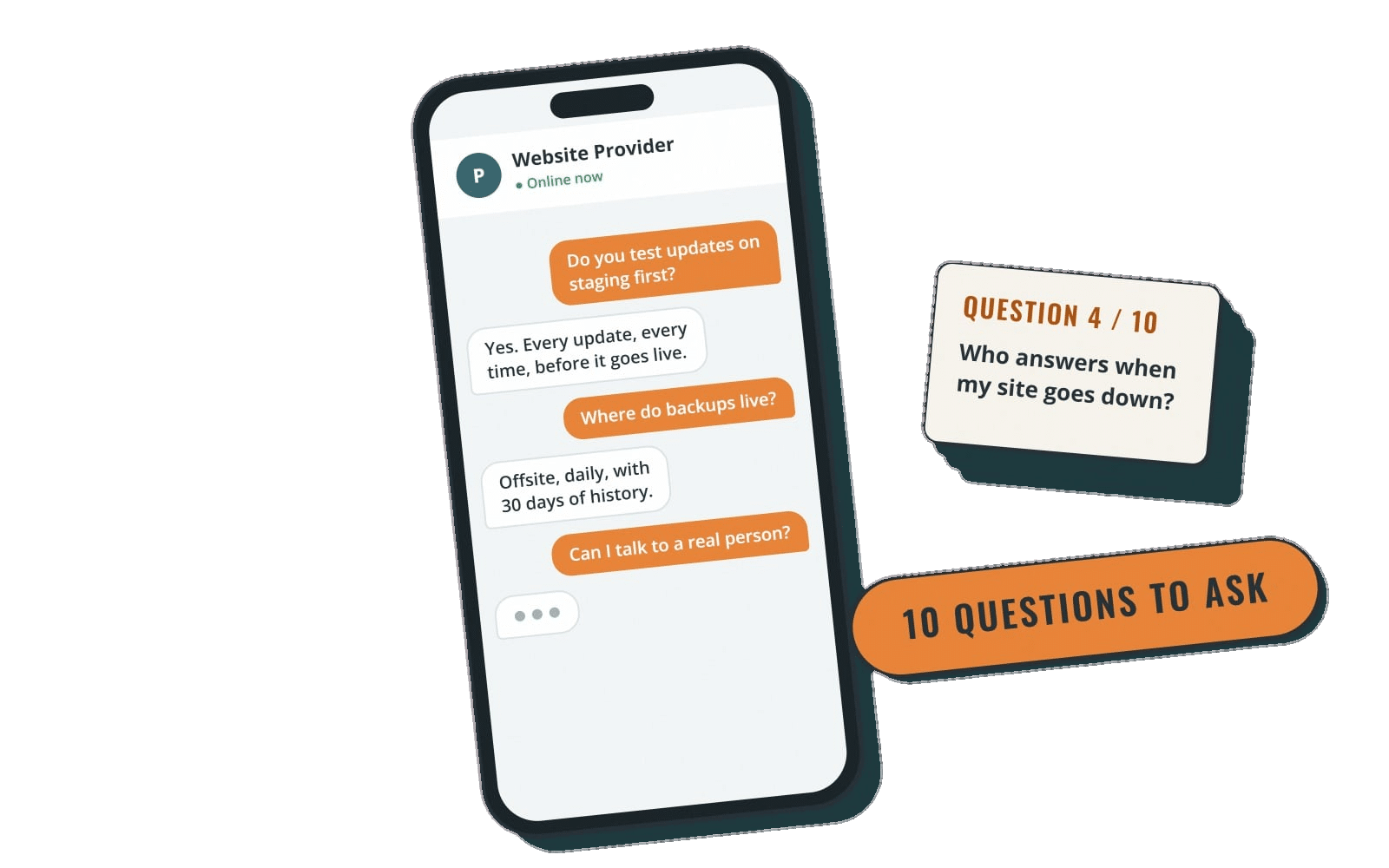
For a deeper look at vetting the provider itself, read How to Choose a WordPress Maintenance Company: 10 Questions to Ask. If budget is the main question, our guide to WordPress website maintenance cost compares published pricing from several providers.
How to pick the right tier for your site
Match the package to how much your site matters day to day, not to the longest feature list.
- Brochure site that rarely changes: a basic tier with monthly updates, daily off-site backups, security and business-hours support is usually enough.
- Site you update often or that generates leads: look for weekly updates, uptime monitoring and some included edits so changes don't stall.
- Growing business with traffic that matters: staging-tested updates, speed work, unlimited small edits and after-hours emergency help start to pay for themselves.
- WooCommerce store or membership site: prioritize post-update checkout and form testing, a priority support queue and WooCommerce experience.
If you're unsure, start one tier lower than you think you need on a month-to-month plan and move up if you find yourself asking for more.
How Rocket Web Support packages are structured
Here's how our four WordPress care plans line up, so you can see the checklist above applied:
- Core: monthly WordPress and plugin updates with a backup before every update, daily off-site backups, SolidWP security and login protection, and business-hours support (9am–5pm MT).
- Essentials ($125/mo): everything in Core plus weekly updates, 24/7 uptime monitoring, spam protection, Google Analytics setup and five small edits a month.
- Premier ($250/mo): everything in Essentials plus WP Engine hosting with Cloudflare CDN, updates tested on staging first, speed and image optimization, unlimited small edits and after-hours emergencies until 10pm MT.
- Performance ($325/mo): everything in Premier plus a priority support queue, WooCommerce and membership support, checkout and form testing after updates, and a discounted accessiBe license.
Support runs weekdays 9am–5pm Mountain Time with same- or next-business-day response. Every plan is month to month with no setup fee, and you can cancel anytime. Backups run through WP Engine and ManageWP. We're based in Nampa, Idaho, and support WordPress sites across the US remotely.
The bottom line
The best WordPress maintenance package isn't the one with the most bullet points. It's the one that states, in writing, how often updates happen, where backups live, who responds and when, and what's included before extra charges start. Use the checklist above to compare any provider, including us.
Ready to hand off the maintenance? Compare our WordPress care plans and pricing and pick the tier that fits your site.