Picking a WordPress maintenance company is a bit like picking a mechanic: most of them say the same things on their website, and you only find out who is good when something breaks. This guide gives you ten plain questions to ask before you sign up for any of the WordPress care plans on the market, what a good answer sounds like, and the red flags worth walking away from.
Why your choice of WordPress maintenance company matters
WordPress itself is very stable. Most of the risk lives in the plugins and themes around it. Patchstack's State of WordPress Security in 2026 report counted 11,334 new vulnerabilities in the WordPress ecosystem during 2025, with 91% of them in plugins and only six in WordPress core. The same report found that 46% of those vulnerabilities had no fix available by the time they were made public.
In other words, "just click update" is not a full plan. A good maintenance company updates on a schedule, keeps a backup it can restore, watches for problems, and answers the phone when something goes wrong. The questions below help you check all four.
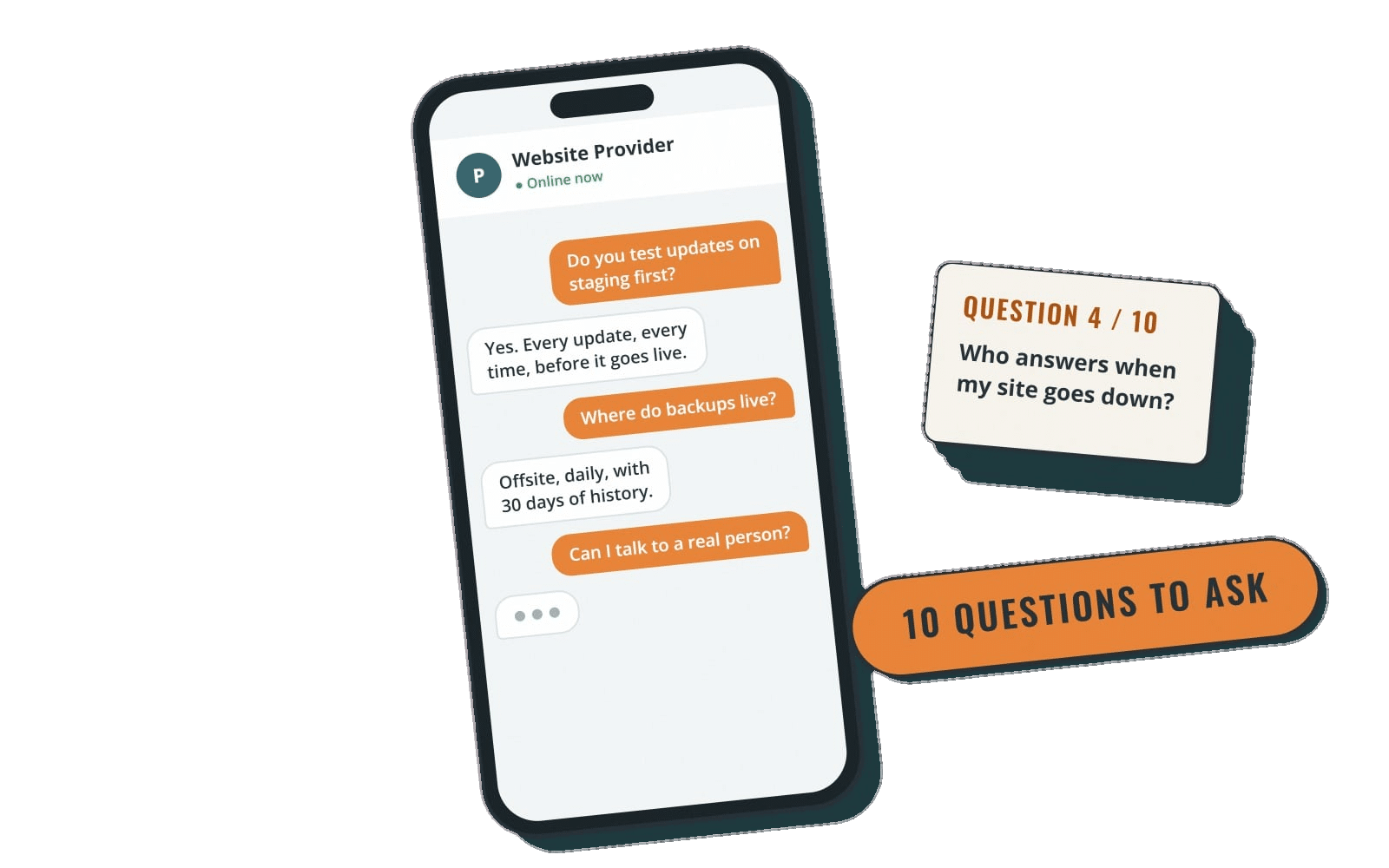
10 questions to ask before you choose a WordPress care plan
1. How often do you back up my site, and where are the backups stored?
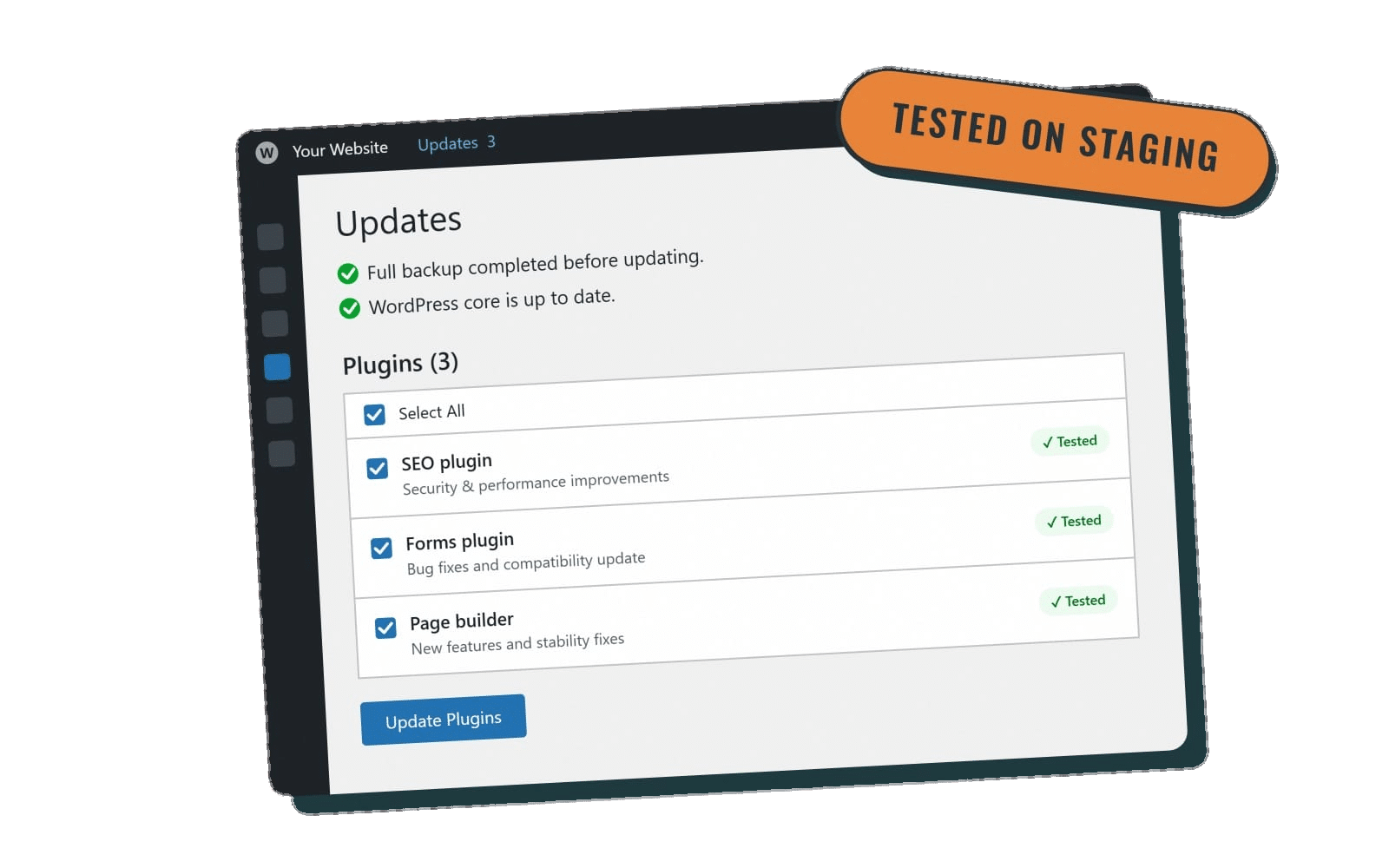
Look for daily backups stored offsite, meaning somewhere other than the same server as your website. If the server fails or the site is hacked, a backup sitting next to it may be gone too. Also ask whether they take a fresh backup right before every update, so a bad update can be rolled back to minutes earlier rather than yesterday.
2. Have you actually restored a site from those backups?
A backup you can't restore is just a file. Ask who does the restore, how long it usually takes, and whether it's included in the monthly price or billed as extra work.
3. How often do you update WordPress, plugins and themes?
Monthly updates are a reasonable minimum for a simple brochure site. Busier sites, stores and sites with many plugins benefit from weekly updates, because security fixes land throughout the month. Ask for the actual schedule in writing rather than "regular updates."
4. Do you test updates before they go live?
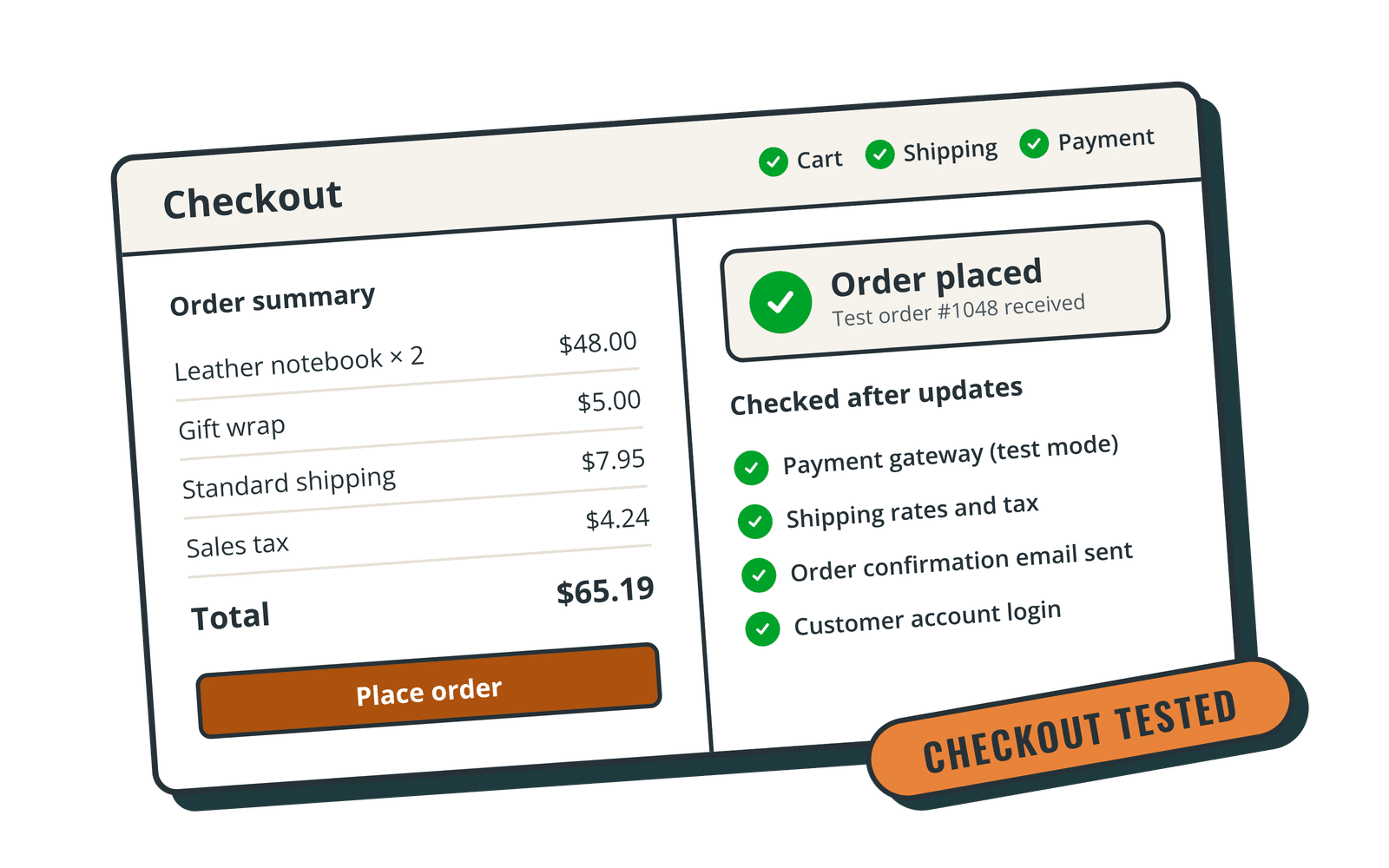
The safest approach is to run updates on a staging copy of your site first, check that nothing broke, and only then update the live site. Not every plan includes staging, and that's fine for simple sites as long as there's a backup taken just before the update. For online stores and membership sites, ask whether someone checks the checkout and forms after each round of updates.
5. What security tools do you use, and what happens if my site gets hacked?
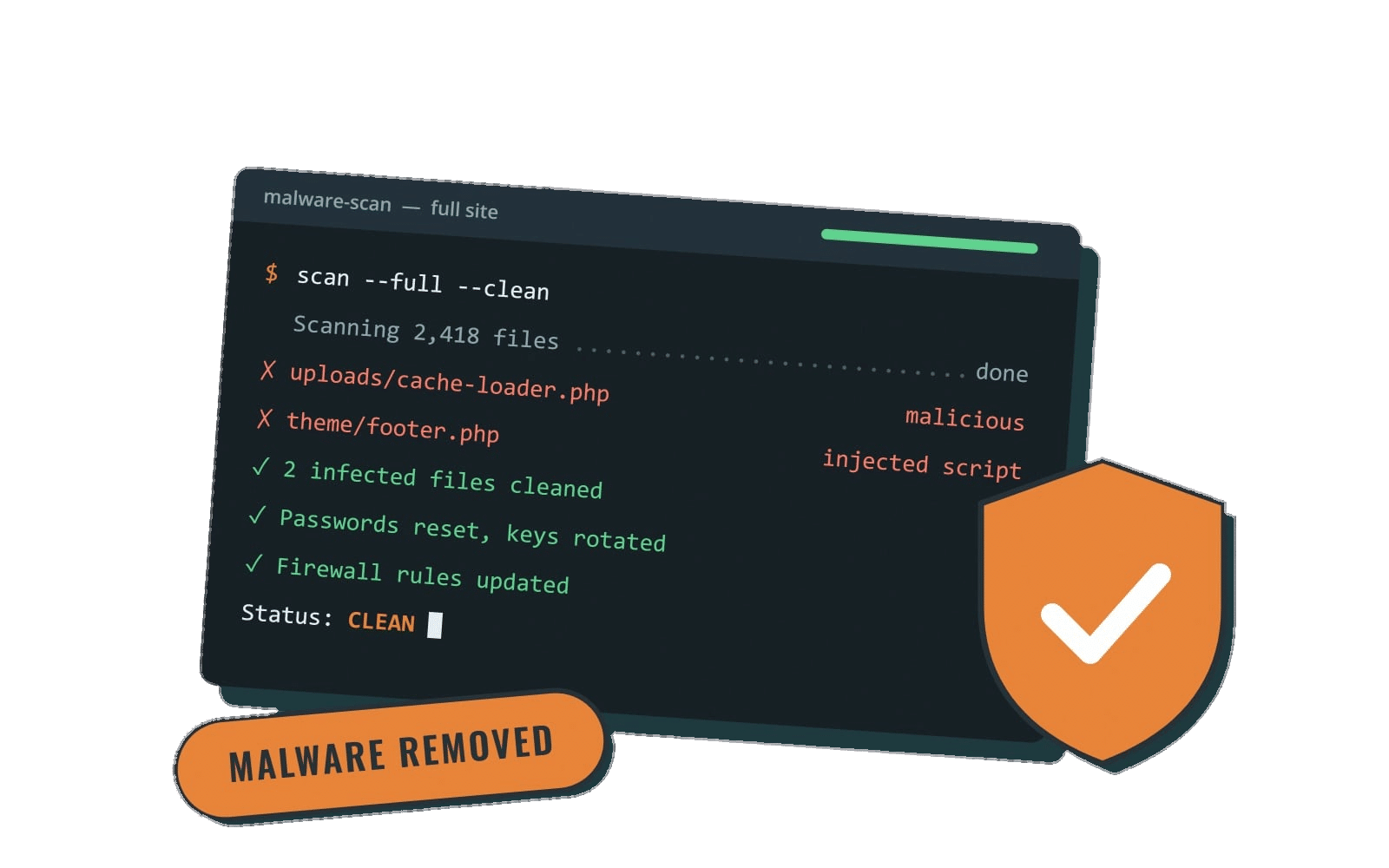
You want a named security plugin or service (not "proprietary security"), login protection, and a clear answer about malware cleanup. Some companies include cleanup; others charge per incident. Neither is wrong, but you should know which one you're buying.
6. Do you monitor uptime, and who gets told when the site goes down?
Uptime monitoring checks your site every few minutes and sends an alert when it stops responding. Ask whether the alert goes to the maintenance team, to you, or to both, and what they do after they get it.
7. What are your real support hours and response times?
"24/7 support" can mean a ticket form that's answered on Monday. Ask for the hours a person is actually working, the time zone, and the typical response time. Honest answers are more useful than big promises: a small team that answers the same or next business day may serve you better than a large one routing you through a queue.
8. Are content edits included, and how big is a "small edit"?
Many WordPress care plans include a few small edits each month, such as swapping a photo, updating hours or adding a page section. Ask how they define "small" (often 30 minutes of work or less), how many you get, and what larger work costs.
9. Does the plan include hosting, or do I keep my own?
Some plans are maintenance only and work with whatever host you already have. Others bundle managed hosting, a CDN and speed work. Bundling can simplify things because one team owns the whole stack, but make sure you understand who owns the hosting account if you ever leave.
10. What's the contract, and how do I cancel?
Watch for annual commitments, setup fees and cancellation fees. Ask what happens to your site, your logins and your backups when you leave. A company that's confident in its service usually makes it easy to go.
Red flags when comparing maintenance companies
- Vague task lists. "Full maintenance" without saying how often updates and backups happen.
- Guarantees nobody can make. No one can promise a site will never be hacked or will rank first on Google.
- No pricing on the website. You should be able to compare plans without a sales call.
- Locked-in access. You should always keep administrator access to your own site.
How Rocket Web Support answers these questions
We're the care plan service of Rocket Web Development, a small team in Nampa, Idaho that has been building WordPress sites since 2016. Here's how our plans line up with the questions above:
- Core, $75/month: daily offsite backups, monthly WordPress and plugin updates with a backup before every update, SolidWP security and business-hours support.
- Essentials, $125/month: everything in Core plus weekly updates, 24/7 uptime monitoring, spam protection, Google Analytics setup and 5 small edits a month.
- Premier, $250/month: adds WP Engine hosting with the Cloudflare CDN, staging-tested updates, speed and image optimization, unlimited small edits, after-hours emergency help until 10pm Mountain Time, 20% off larger projects, and WP Engine's 99.95% uptime SLA.
- Performance, $325/month: adds priority support, WooCommerce and membership site support, checkout and form testing after updates, and a discounted accessiBe license.
Support runs weekdays from 9am to 5pm Mountain Time, with a same or next business day response. A small edit is about 30 minutes of work or less. Every plan is month to month with no setup fee, and you can cancel anytime (we don't refund partial months). You can read more about how we handle WordPress backups and WordPress updates, or compare everything side by side on our pricing page.
Frequently asked questions
What's the difference between a WordPress care plan and a maintenance plan?
Mostly the name. Both usually cover backups, updates and security. "Care plan" often signals that support and small content edits are included too, so compare the task lists rather than the labels.
Do I need a local WordPress maintenance company?
Not necessarily, since the work happens online. A local team can be handy if you like to meet in person or want someone in your time zone. We're based in Nampa and support WordPress sites remotely; see our areas we serve. That includes WordPress support in Boise, Meridian, Idaho Falls, Twin Falls, Salt Lake City, Spokane and Portland.
Can I switch maintenance companies without rebuilding my site?
Yes. As long as you have administrator access and know where your site is hosted, a new company can take over updates, backups and support on your existing site.
Is monthly maintenance worth it for a small site?
If your site brings in calls, leads or sales, the cost of a few hours of downtime or a hacked site usually outweighs a modest monthly fee. If it's a simple placeholder page you rarely touch, a basic plan with backups and monthly updates is often enough.
Ready to compare plans?
Take these ten questions to any WordPress maintenance company you're considering, including us. If you'd like a straight answer about which plan fits your site, look over our WordPress care plans and pricing or call us at (208) 318-6138, weekdays 9am to 5pm Mountain Time.