Finding out your WordPress site has been hacked is a bad morning. Maybe Google is showing a "This site may be hacked" warning, maybe customers are getting sent to a spam page, or maybe your host has suspended the account. Whatever tipped you off, the question is the same: can you clean this up yourself, or do you need a WordPress malware removal service?
This guide explains what a good malware removal service actually does, the signs that you need one, what to ask before you hire anyone, and how to keep the problem from coming back. If you'd rather try the cleanup yourself first, our step-by-step guide on how to recover a hacked WordPress site walks through the DIY route.
Signs your WordPress site has malware
Malware on a WordPress site doesn't always announce itself. Some infections are obvious; others are built to stay hidden from the site owner while they serve spam or redirects to visitors. Common signs include:
- Search warnings. Google may label results "This site may be hacked" or show a full-page browser warning. Google's Search Console Security Issues report lists what it found if your site is flagged.
- Redirects you didn't set up. Visitors (often only mobile users or people arriving from Google) get bounced to pharmacy, gambling or scam sites.
- Spam pages in search results. A
site:yourdomain.comsearch on Google turns up pages in Japanese or other languages, or product pages you never created. - Unknown admin users in Users, or plugins and files you don't recognize.
- Host notices. Your hosting company emails about malicious files, high resource usage or outgoing spam, or suspends the account.
- Email problems. Your domain's email starts landing in spam or bouncing because the server has been sending junk.
- A sudden drop in traffic with no other explanation.
You can also run your URL through Google's Safe Browsing site status tool to see if Google currently flags it as unsafe.
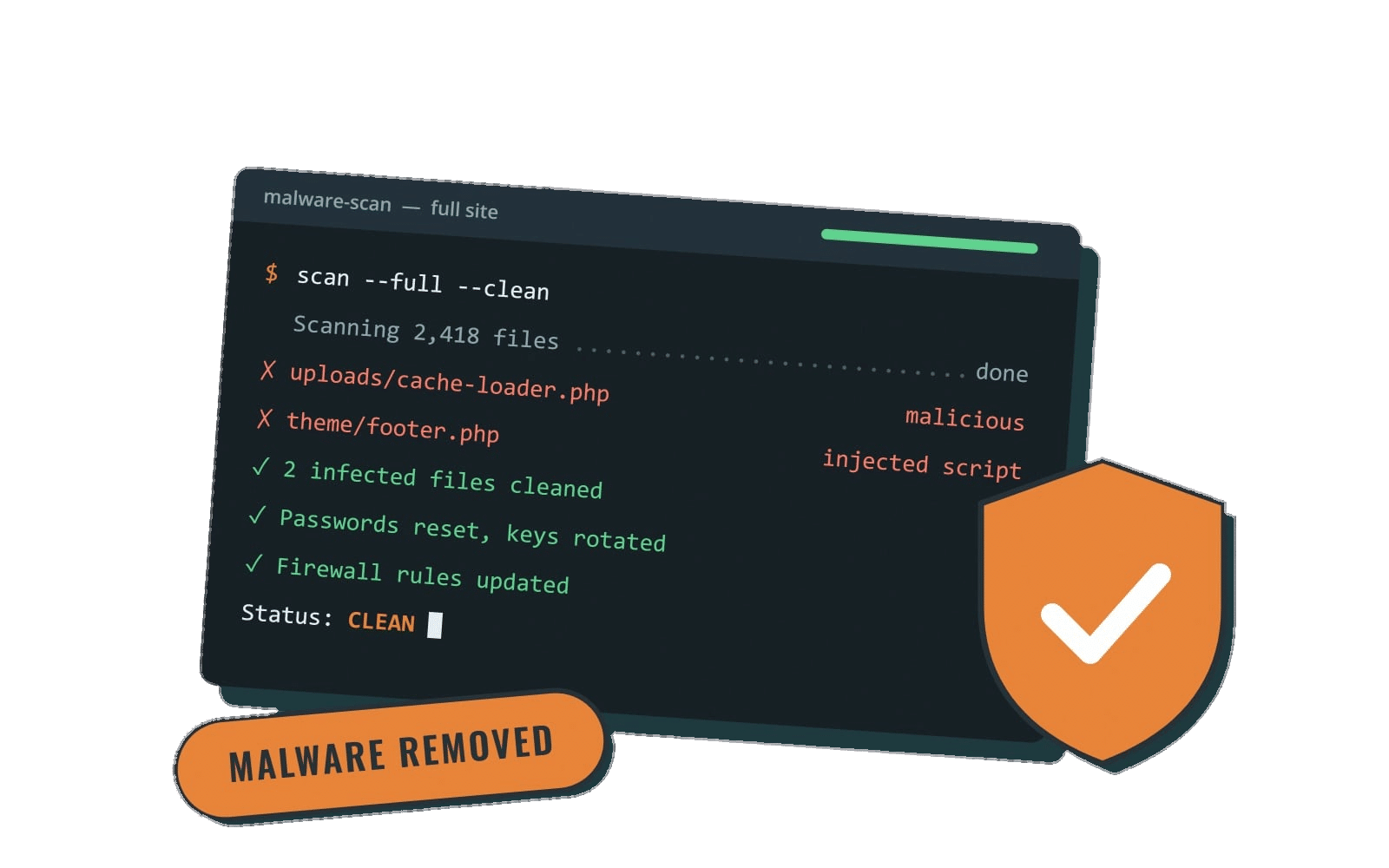
What a WordPress malware removal service should include
"Malware removal" can mean anything from running a plugin scan to a full investigation. A thorough service usually covers the steps the official WordPress documentation recommends in its FAQ: My site was hacked article. Here's what to expect.
1. A snapshot before anything is touched
A careful provider backs up the infected site first. That sounds odd, but the WordPress.org FAQ recommends it: the snapshot preserves evidence of how the attack happened and gives a fallback if something breaks during cleanup.
2. Scanning, both inside and outside the site
Good cleanups combine server-side scanning (looking at the actual files and database) with remote scans that see what visitors and search engines see. Remote scanners alone miss a lot, because some malware only shows itself to certain visitors.
3. Replacing core files and reviewing everything else
WordPress core files can be replaced with fresh copies of the same version. The WordPress.org FAQ suggests replacing the /wp-admin and /wp-includes folders, then reviewing files hackers commonly target, such as .htaccess, index.php, wp-config.php and theme files like functions.php, header.php and footer.php. Plugins and themes should be reinstalled from their original sources rather than "cleaned" line by line where possible.
4. Cleaning the database
Many infections hide in the database: injected scripts in posts, spam links in widgets, or rogue admin accounts. A file-only cleanup can leave these behind, which is one of the most common reasons a site gets reinfected.
5. Resetting every password and key
Every access point should get a new password: WordPress users, hosting control panel, SFTP, and the database. The WordPress FAQ also recommends regenerating the security keys (salts) in wp-config.php, which signs out anyone still logged in, including the attacker.
6. Finding and closing the way in
Removing malware without fixing the entry point is how sites end up hacked again a week later. A good service tells you what most likely let the attacker in, such as an outdated plugin with a known vulnerability, a reused password, or an abandoned admin account, and fixes it. Our article on common WordPress security vulnerabilities covers the usual culprits.
7. Getting warnings removed
If Google flagged your site, the fix isn't complete until the warning is gone. According to Google's Security Issues report documentation, you need to fix the problem across the whole site, then request a review in Search Console describing what was wrong and what you did. Google says reviews can take days to weeks. Your service should either submit this for you or tell you exactly what to submit. The same goes for any blocklists or host suspensions.
8. A written summary and hardening
At the end you should get a plain-language report: what was found, what was removed, what was changed, and what you should do next. Most providers also apply basic hardening, following guidance like the WordPress handbook's Hardening WordPress page: keeping software updated, tightening file permissions and turning on two-factor sign-in.
DIY cleanup vs. hiring a malware removal service
Plenty of site owners can handle a simple infection. DIY can be reasonable if:
- You have a clean backup from before the infection and know roughly when it started.
- You're comfortable with SFTP, your hosting control panel and phpMyAdmin (or your host's equivalent).
- The site is a brochure site, not a store or membership site holding customer data.
Hiring help usually makes more sense when:
- The site makes you money. Every hour it's down or flagged costs leads or sales.
- You've already cleaned it and it came back. Reinfection almost always means a backdoor or the original entry point was missed.
- There's no clean backup, or you don't know how far back the infection goes.
- You run WooCommerce or store customer data. If customer information may have been exposed, you'll want a professional to work out what happened, and you may want legal advice on what notifications are required where you do business.
- Google or your host has already flagged or suspended the site.
Questions to ask before you hire anyone
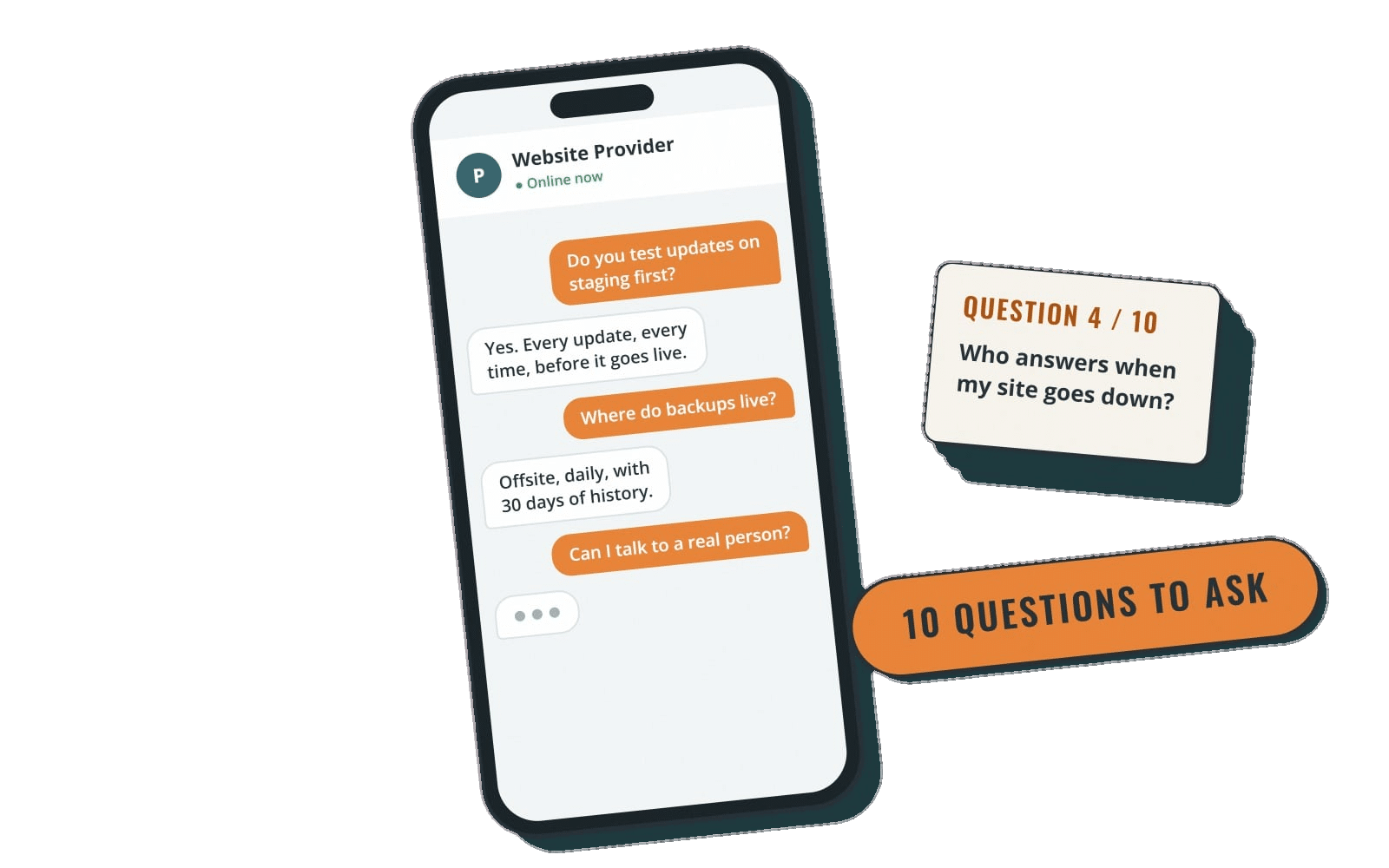
Malware removal offers range from cheap one-time scans to subscriptions. Before you pay, ask:
- What exactly is included? Files and database? Reinstalling plugins and themes? Password and key resets?
- Will you find out how the hacker got in? If the answer is just "we'll scan and remove," expect a repeat.
- Do you handle Google warnings, blocklists and host suspensions?
- What happens if the malware comes back? Ask whether there's a guarantee period and what it covers.
- Will you back up the site before cleaning?
- How fast do you respond, and during what hours? "Fast" means little without stated hours and time zone.
- Do I get a written report?
- What do you do after cleanup to keep it clean? Updates, monitoring and backups matter more than the cleanup itself.
These questions overlap with what you'd ask any ongoing provider. If you're comparing ongoing care rather than a one-time fix, see how to choose a WordPress maintenance company.
How to keep malware from coming back
A malware removal service fixes today's problem. Ongoing maintenance is what keeps it from happening again. The basics:
- Keep WordPress, plugins and themes updated. The WordPress hardening guide puts staying on the latest version at the top of the list, and outdated plugins are one of the most common ways in. Our WordPress update service handles this on a set schedule.
- Remove what you don't use. Deactivated plugins and old themes still sit on the server and can still be exploited.
- Use strong, unique passwords and two-factor sign-in for every admin account, and remove accounts for people who no longer need access.
- Keep off-site backups so a bad day means a restore, not a rebuild. See best practices for WordPress backup and recovery and our WordPress backup services.
- Run a security plugin and act on its alerts. A plugin that flags a vulnerable plugin only helps if someone updates or replaces it.
- Audit the site occasionally. Our WordPress security audit checklist is a good starting point.
How Rocket Web Support handles security and emergencies
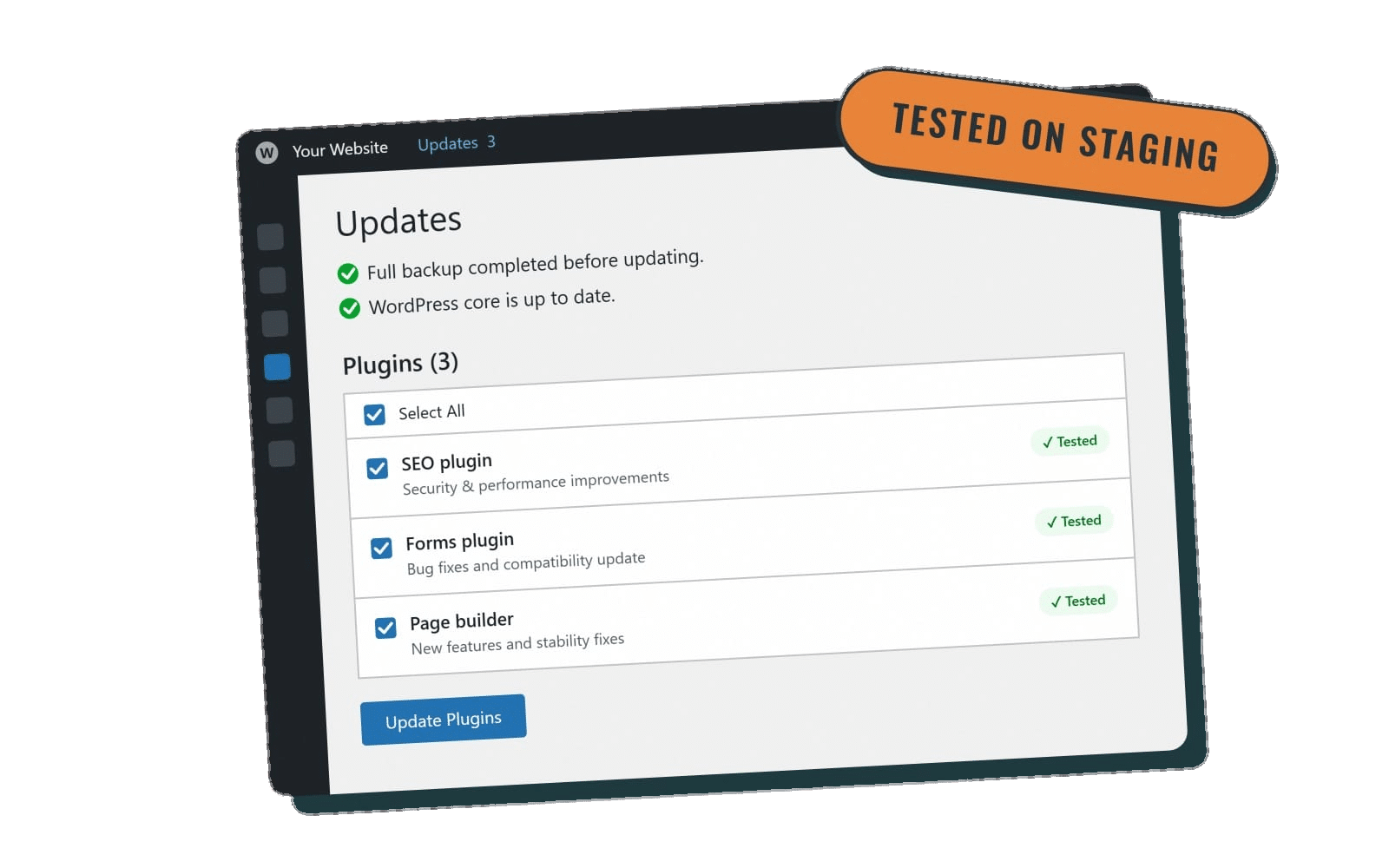
At Rocket Web Support, we focus on keeping WordPress sites from getting hacked in the first place, and on responding quickly when something goes wrong. Every care plan includes managed WordPress security with SolidWP Security: login protection, two-factor sign-in, vulnerable plugin alerts and hardening. Backups run through WP Engine or ManageWP, and plugins, themes and core are kept up to date (monthly on Core, weekly on Essentials, Premier and Performance).
If your site does break, our emergency WordPress support answers weekdays 9am to 5pm Mountain Time with a same or next business day response on every plan. Premier and Performance clients can also reach us for after-hours emergencies until 10pm Mountain Time. When a fix would take too long, we restore a recent backup to get you back online first, then track down the root cause and explain what we changed.
We work with businesses across the U.S., not just here in Idaho. Plans are month to month with no setup fee, and you can cancel anytime.
The bottom line
A hacked WordPress site is fixable. The cleanup itself matters, but what matters more is closing the hole the attacker used and keeping the site maintained afterward so it doesn't happen again. Whether you clean it yourself or hire a WordPress malware removal service, make sure the job covers files and database, resets every password, removes any Google warnings and ends with a clear explanation of what went wrong.
Want ongoing protection instead of one-off cleanups? Compare our WordPress care plans and pricing and pick the level of coverage that fits your site.