A slow WordPress site rarely has one cause. It’s usually a stack of small problems: an oversized hero image, a caching setup that isn’t doing much, a plugin that loads scripts on every page, and a server that takes too long to answer before anything else can happen. A good WordPress speed optimization service works through that stack in order, measures before and after, and then keeps the gains from slipping away as the site changes.
This guide explains what that work covers, what it can’t fix, and how to tell whether you got your money’s worth. If you’d rather start with the DIY version, our guide to speeding up your WordPress site walks through the basics.
Start with the right measurements
Speed work should begin with numbers, not guesses. Google’s Core Web Vitals are the most useful starting point because they measure what visitors actually experience:
- Largest Contentful Paint (LCP): how long the main content (often a hero image or headline) takes to appear. Google’s “good” threshold is 2.5 seconds or less.
- Interaction to Next Paint (INP): how quickly the page responds when someone taps or clicks. “Good” is 200 milliseconds or less. INP replaced First Input Delay as a Core Web Vital in March 2024.
- Cumulative Layout Shift (CLS): how much the page jumps around while it loads. “Good” is 0.1 or less.
Google recommends hitting these thresholds at the 75th percentile of page loads, on mobile and desktop separately. Google also notes in its Search documentation on Core Web Vitals that good scores are part of page experience, but great content still matters more for rankings. Speed helps, and it helps visitors most of all.
Two kinds of data matter here:
- Field data comes from real Chrome users (the Chrome UX Report) and shows up in PageSpeed Insights and the Core Web Vitals report in Google Search Console. This is what Google uses.
- Lab data comes from a single simulated test (Lighthouse). It’s useful for diagnosing problems, but one lab score isn’t the same as how your real visitors experience the site.
A provider who only sends you a screenshot of a “100” lab score hasn’t told you much. Ask for both.
What a WordPress speed optimization service fixes
1. Slow server response (hosting)
Before the browser can show anything, the server has to respond. If that first response (Time to First Byte) is slow, everything after it is slow too. Common causes are crowded shared hosting, an outdated PHP version, no server-level caching, and a database that’s never been cleaned up.
A service will check response times, confirm the PHP version is current and supported by your plugins, and look at whether your host offers server caching. Sometimes the honest answer is that the hosting plan is the bottleneck, and no amount of plugin tuning will fix it. That’s why our Premier and Performance plans include managed WP Engine hosting with the Cloudflare CDN.
2. Images
Images are the most common reason for a poor LCP. Typical fixes:
- Resizing images to the size they’re actually displayed at (a 4,000-pixel photo shown in a 1,200-pixel slot wastes bandwidth).
- Compressing them and serving modern formats such as WebP or AVIF where the setup supports it.
- Lazy-loading images below the fold, but not the main hero image, which should load right away.
- Giving every image width and height attributes so the layout doesn’t shift as it loads (this helps CLS).
We cover the details in how to optimize WordPress images for better performance.
3. Caching
Caching saves a ready-made copy of each page so WordPress doesn’t rebuild it from scratch for every visitor. There are several layers: page caching, browser caching, object caching and a CDN that serves files from locations closer to your visitors.
The fix isn’t “install a caching plugin.” It’s making sure the layers don’t conflict, that logged-in pages, carts and checkouts are excluded, and that the cache clears when content changes. Our caching plugin setup guide explains the options.
4. Render-blocking CSS and JavaScript
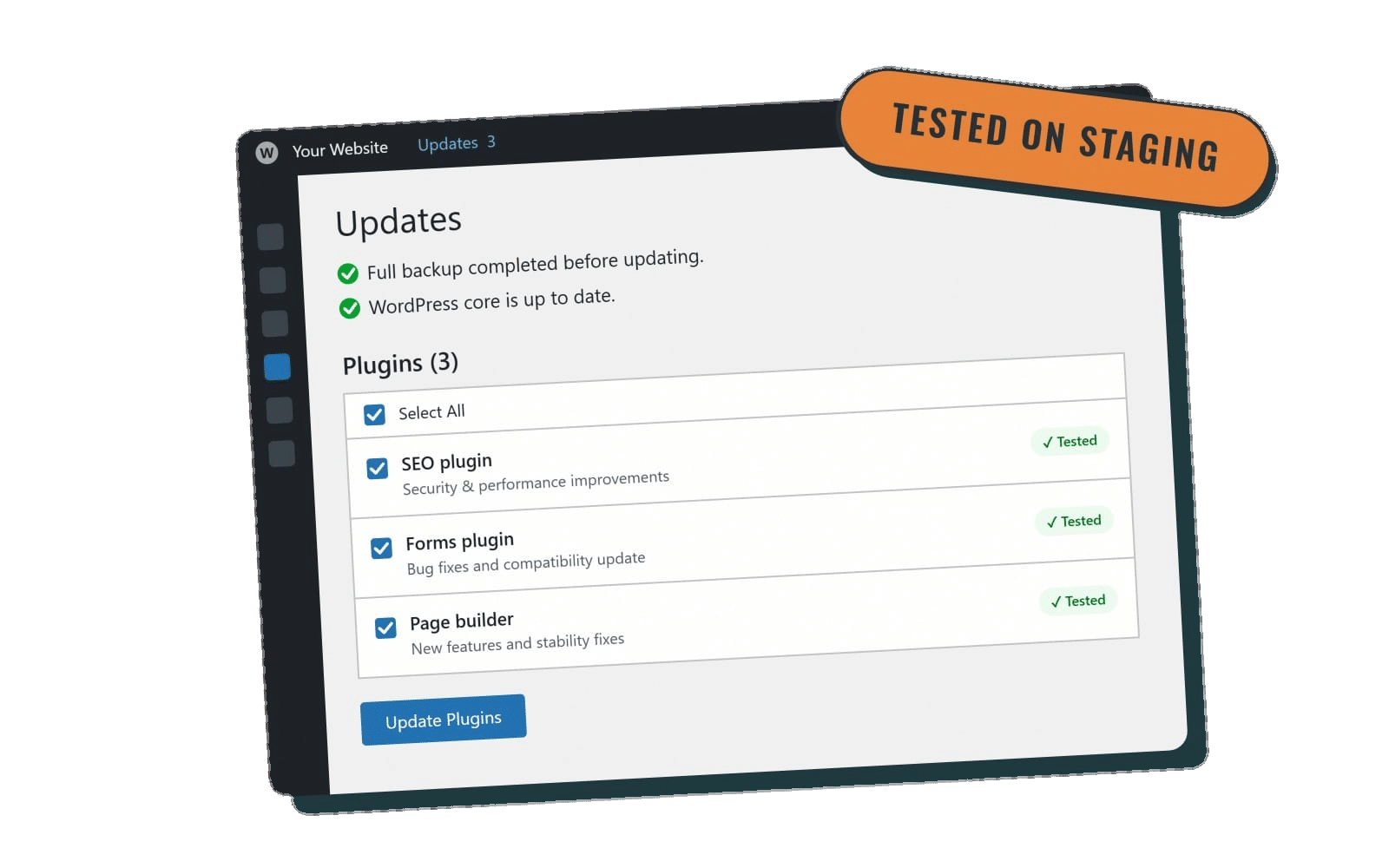
Themes and page builders often load large stylesheets and scripts before showing anything. A speed service will minify files, defer or delay scripts that aren’t needed right away, and remove CSS that a page doesn’t use. Each of these changes needs testing. Delaying the wrong script can break a menu, a form or a checkout, which is why changes should be tested on a staging copy first.
5. Plugin and theme bloat
Every plugin can add database queries, scripts and styles. A plugin audit looks for:
- Plugins that duplicate each other (two SEO plugins, three slider plugins).
- Plugins that load assets on every page when they’re used on one.
- Abandoned plugins that are slow and a security risk.
- Heavy features that could be replaced with something lighter.
Removing one heavy plugin often does more than an hour of fine-tuning.
6. Third-party scripts
Chat widgets, tracking pixels, embedded videos, maps, review badges and font services all load from other servers. They’re often the biggest drag on INP. A service can’t make another company’s script faster, but it can load it later, load it only where it’s needed, or replace a heavy embed with a lightweight preview that loads the full thing on click.
7. The database
Over time, WordPress collects post revisions, expired temporary data (transients), spam comments and leftover tables from deleted plugins. Cleaning these up (after a backup) keeps queries quick, especially in the admin area and on larger sites. See how to optimize your WordPress database.
8. Mobile performance
Most Core Web Vitals problems are worse on phones, which have slower processors and connections. Mobile checks cover image sizes for small screens, tap response (INP), and layout shifts from late-loading banners or fonts. More on this in optimizing your WordPress site for mobile users.
What speed optimization can’t fix
It’s worth knowing the limits before you pay for this work:
- A bad hosting plan. Tuning can hide some of it, but a slow server stays slow.
- A design that depends on heavy elements. A homepage with an autoplay background video, three sliders and five web fonts will never be as fast as a simpler one. Real gains may need design changes.
- Third-party services you choose to keep. If a booking widget is slow, the options are to load it later or replace it.
- Rankings on their own. Faster pages can help, but speed won’t outrank better, more relevant content.
- Gains that aren’t maintained. A new plugin, a large unoptimized image or a theme update can undo the work in a week.
One-time cleanup vs. ongoing speed care
A one-time project can deliver a big improvement. The problem is that WordPress sites keep changing: plugin updates add new scripts, editors upload new photos, and marketing adds new tracking tools. Without checks, scores drift back down.
Ongoing speed care means the work is repeated as part of regular maintenance: new images are optimized, the cache is kept healthy, new plugins are reviewed for weight, and speed is retested after updates. That’s the same idea behind regular performance monitoring, and it’s why we put speed work inside our care plans rather than selling it only as a one-off.
How to judge the results
Ask any provider for:
- A baseline for your key pages (homepage, top landing pages, contact or checkout) with both field data and lab data, on mobile and desktop.
- A list of what was changed, so nothing is a mystery if something breaks later.
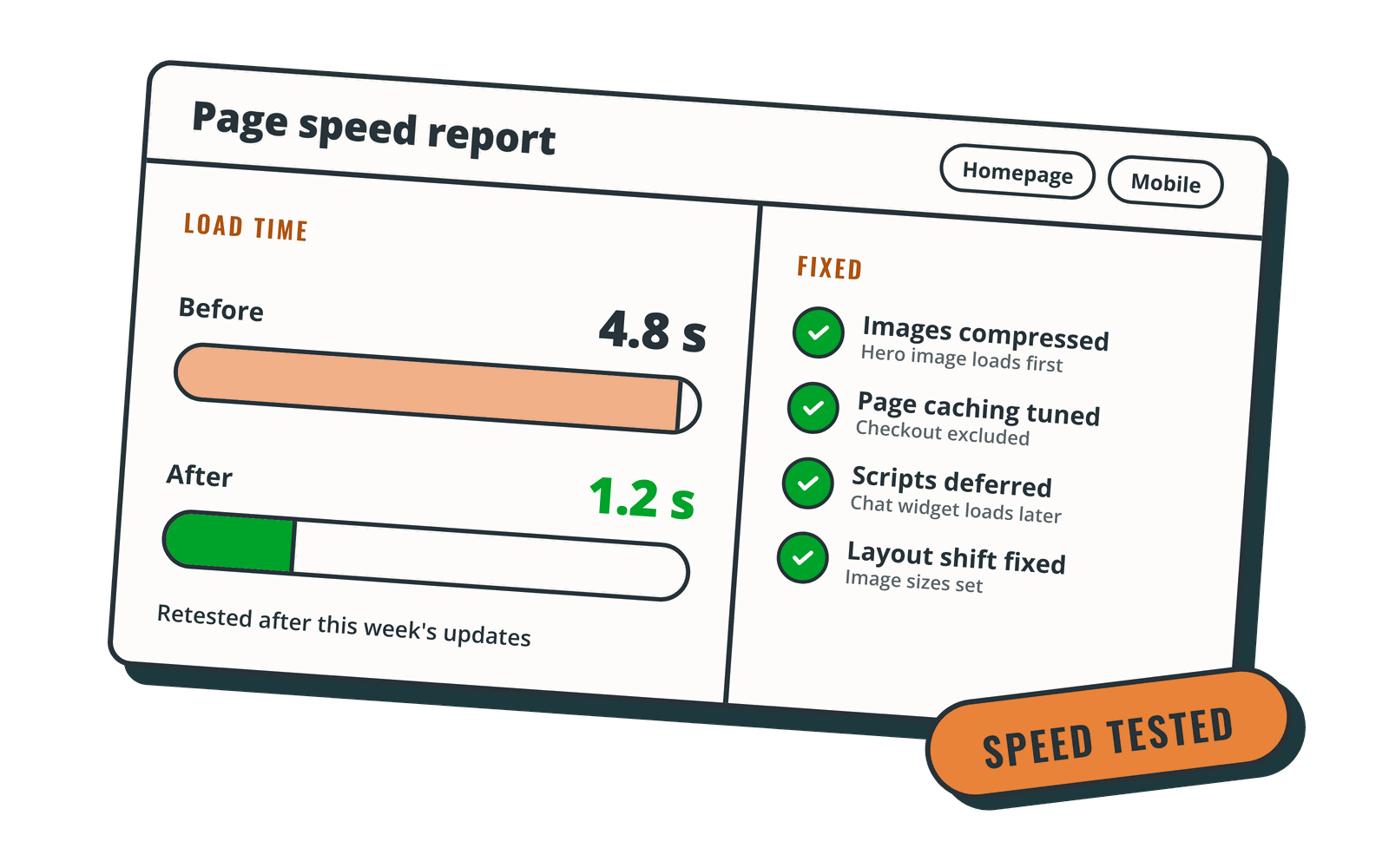
- An after report using the same pages and tools. Lab scores update right away; field data in PageSpeed Insights and Search Console is based on a rolling 28 days of real visits, so give it about a month.
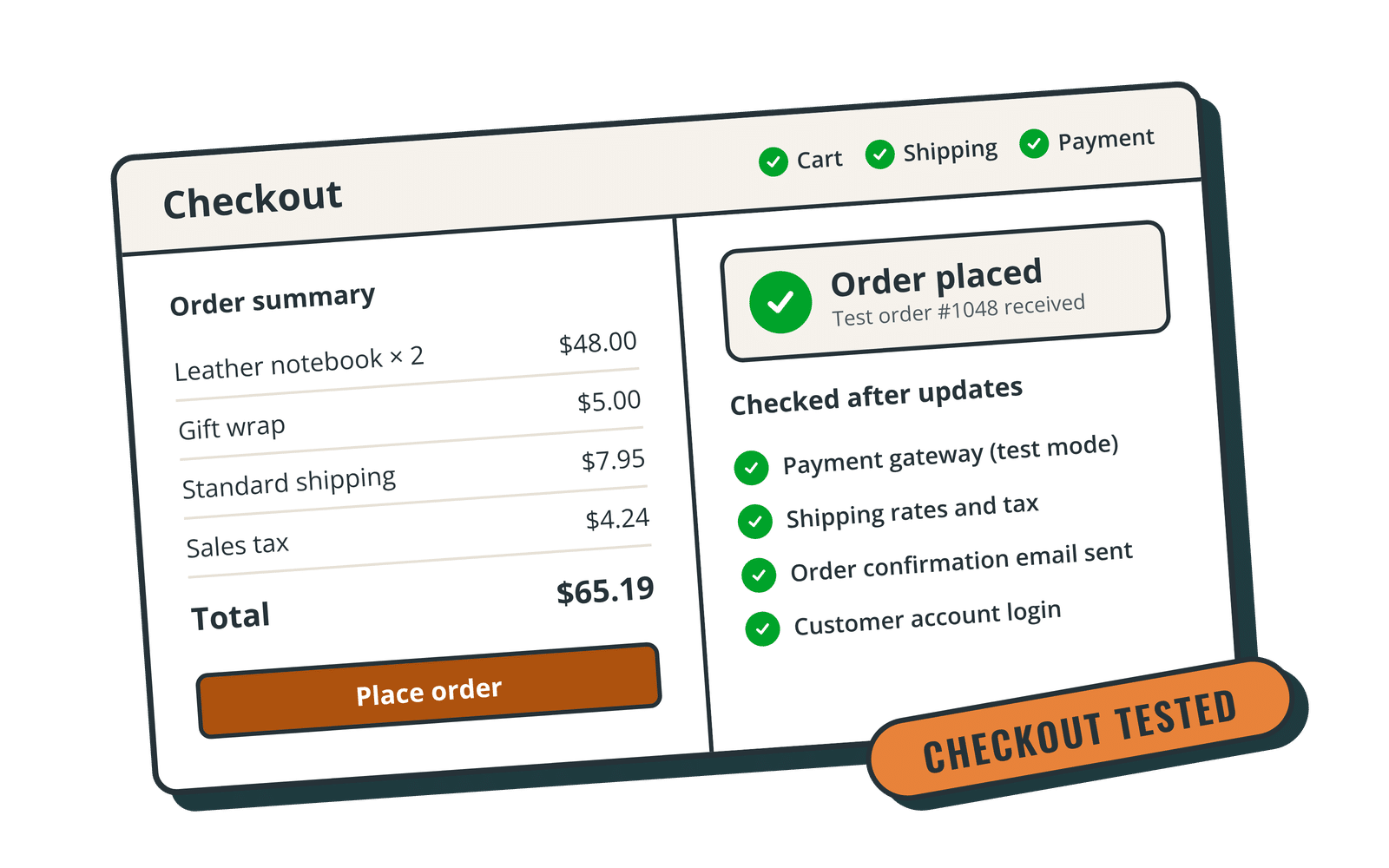
- A check that nothing broke: forms send, menus open, carts and checkouts work. On a store, that matters more than any score. Our WooCommerce maintenance service guide covers checkout testing.
Questions to ask a WordPress speed optimization service
- Do you test changes on a staging site before they go live?
- Do you take a full backup first?
- Will you report field data (Core Web Vitals) or only a lab score?
- Do you work with my current host, or do you recommend a move? Why?
- What happens when a plugin update undoes the improvements?
- Is speed work a one-time project or part of ongoing maintenance?
If you’re comparing care plans more broadly, our guide to what a WordPress maintenance package should include covers the other things to look for.
How Rocket Web Support handles speed
Speed optimization is included in our Premier ($250/mo) and Performance ($325/mo) plans. We tune caching, compress images and trim what slows your pages down, then confirm the results with speed tests. Both plans include managed WP Engine hosting with the Cloudflare CDN, weekly updates tested on staging first, and backups before every update. Performance adds a priority support queue and WooCommerce, checkout and form testing after updates.
Support runs weekdays 9–5 Mountain Time with same- or next-day responses, and Premier and Performance clients can reach us for after-hours emergencies until 10 p.m. MT. Billing is month to month, with no setup fee, and you can cancel anytime. We’re based in Nampa, Idaho, and support WordPress sites across the U.S.
Want a faster site that stays fast? Compare our WordPress care plans and pick the one that fits your site.
Sources: web.dev, “Web Vitals” (Google); Google Search Central, “Understanding Core Web Vitals and Google search results”; PageSpeed Insights documentation.