A brochure website that breaks for an afternoon is an inconvenience. An online store that breaks for an afternoon loses orders, and you may not find out until a customer emails to ask why checkout spun forever.
That's the case for a dedicated WooCommerce maintenance service. A WooCommerce store is a WordPress site plus a shopping cart, payment gateways, shipping and tax rules, order emails and often a stack of extensions, all of which need to keep working together after every update. This guide covers what store maintenance should include, how it differs from regular WordPress maintenance, and what to ask before you hire someone. It applies to stores anywhere in the US, since the work is done remotely.
Why a WooCommerce store needs more than basic WordPress maintenance
Standard WordPress maintenance packages cover core, theme and plugin updates, backups, security and support. A store needs all of that, plus attention to the parts that make money:
- More moving parts. WooCommerce itself, payment gateways, shipping and tax extensions, subscription or membership plugins and the theme all update on their own schedules.
- Database changes. Some WooCommerce updates also update the store's database. WooCommerce's own update guide says to take a fresh backup before running a database update and to finish it before testing the store (How to update WooCommerce).
- Orders arrive constantly. A backup from last night doesn't include this morning's orders, which makes restoring a store more delicate than restoring a blog.
- The failure is often invisible. A broken checkout can still load a normal-looking homepage. Nobody notices until sales stop.
What a WooCommerce maintenance service should include
1. Updates tested on staging first
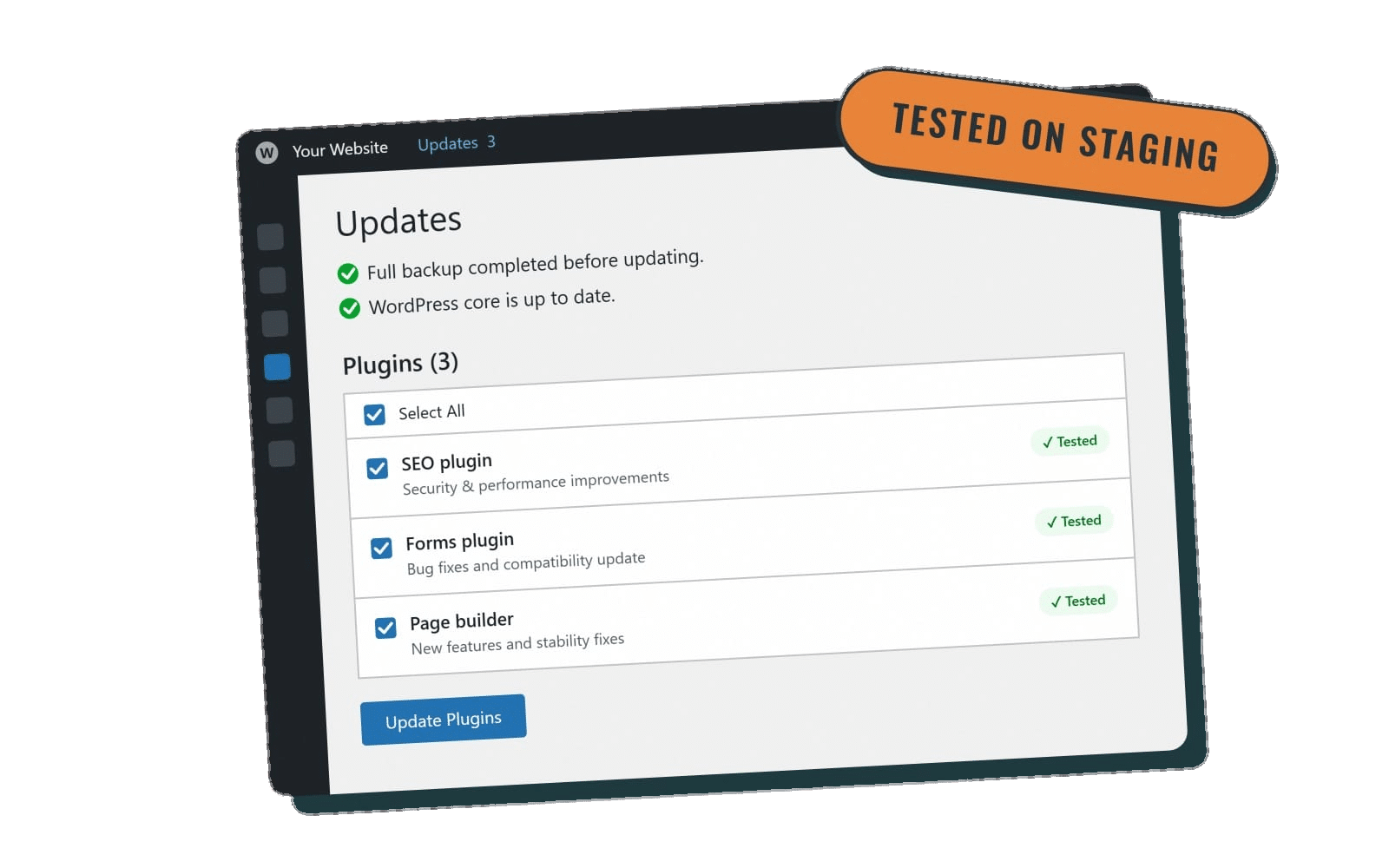
WooCommerce's documentation is direct on this point: don't test updates on your live store. It recommends updating WooCommerce, extensions, payment gateways and the theme together on a staging copy, testing the key workflows, then applying the same set of updates to the live site (How to update WooCommerce).
A good provider will:
- Check each extension's "tested up to" WooCommerce version before updating.
- Run updates on a staging site, not straight on production.
- Back up before any database update.
- Avoid stacking several major store updates at once unless that exact combination was tested.
Our WordPress update service runs weekly on Essentials and higher, and Premier and Performance plans test updates on staging first.
2. Checkout testing after every update
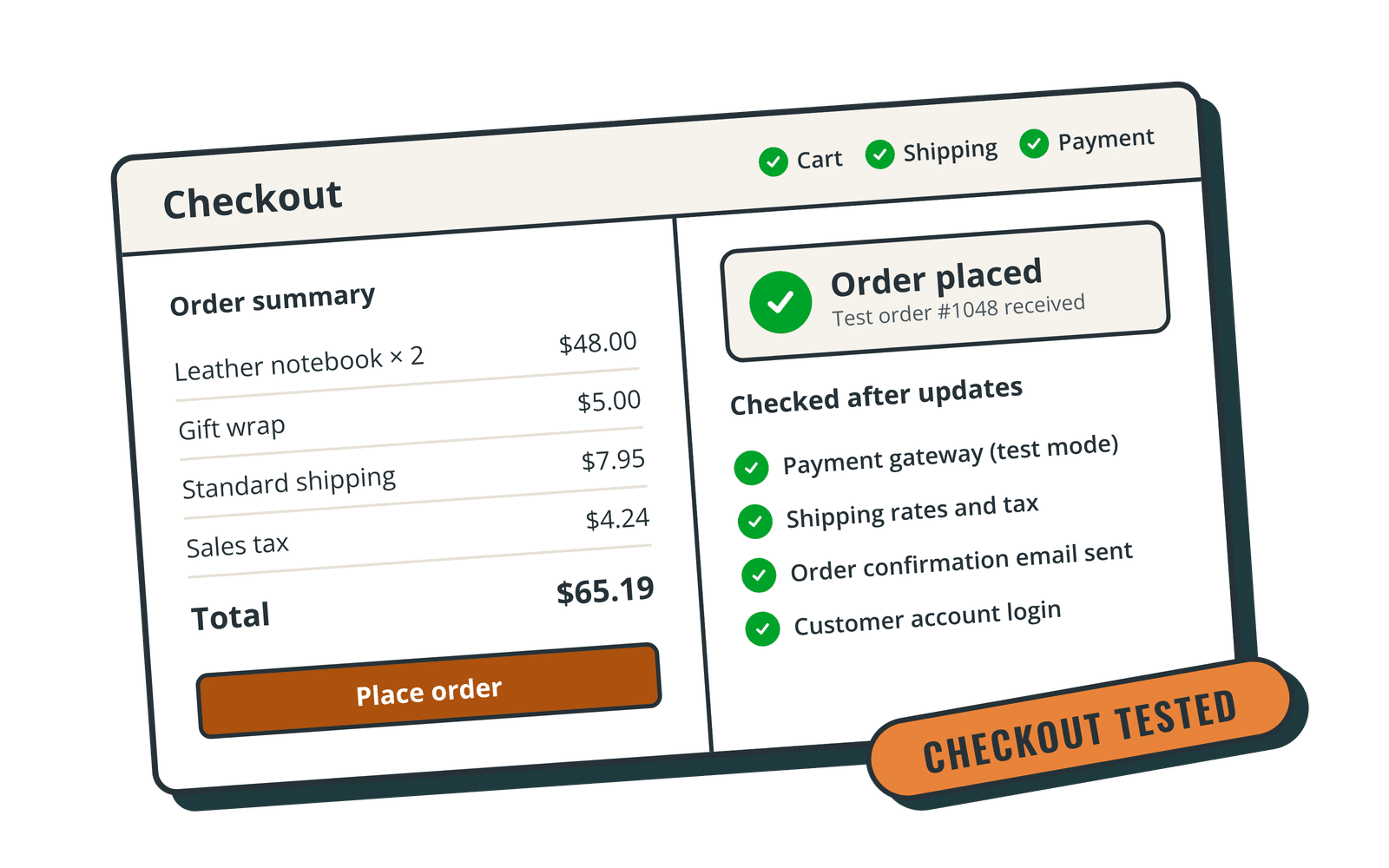
This is the line item that separates real store maintenance from generic plugin updating. After updates, someone should walk through the purchase path the way a customer would:
- Product pages load, and variations and prices display correctly
- Items add to the cart and quantities update
- Shipping rates and taxes calculate
- The payment step completes with your gateway's test mode, or with a real low-value order that's then refunded
- Order confirmation emails reach the customer and the store owner
- Customer account login and order history work
WooCommerce's update guide lists the same areas (product pages, cart, checkout, payments, shipping, taxes and order emails) as the workflows to test (How to update WooCommerce).
3. Backups that account for orders
The WordPress handbook recommends backing up both the database and the site files, because the database holds your content (Backups, WordPress Developer Resources). For a store, the database also holds orders, customers and stock levels.
Ask a provider:
- How often backups run, and whether they're stored off-site.
- Whether a backup is taken right before every update.
- How they'd handle a restore without wiping out orders placed since the backup. Often the right answer is to fix the problem in place rather than roll back the whole site.
See how we handle this on our WordPress backup services page.
4. Security, and an honest word on PCI
Store owners often ask whether a maintenance plan makes them "PCI compliant." WooCommerce's own documentation says PCI DSS compliance is ultimately the store owner's responsibility, and that using a payment gateway that handles card data off-site or through hosted fields (such as Stripe or PayPal) can significantly reduce your scope, though it doesn't remove it (PCI-DSS compliance and WooCommerce).
A maintenance service can't certify your compliance, and you should be wary of one that claims it can. What it can do is support good practice:
- Keep WooCommerce, gateways and extensions updated so security fixes land quickly
- Make sure card data is never stored on your server
- Protect admin logins and limit who has shop manager or administrator access
- Run a configured security plugin and act on vulnerability alerts
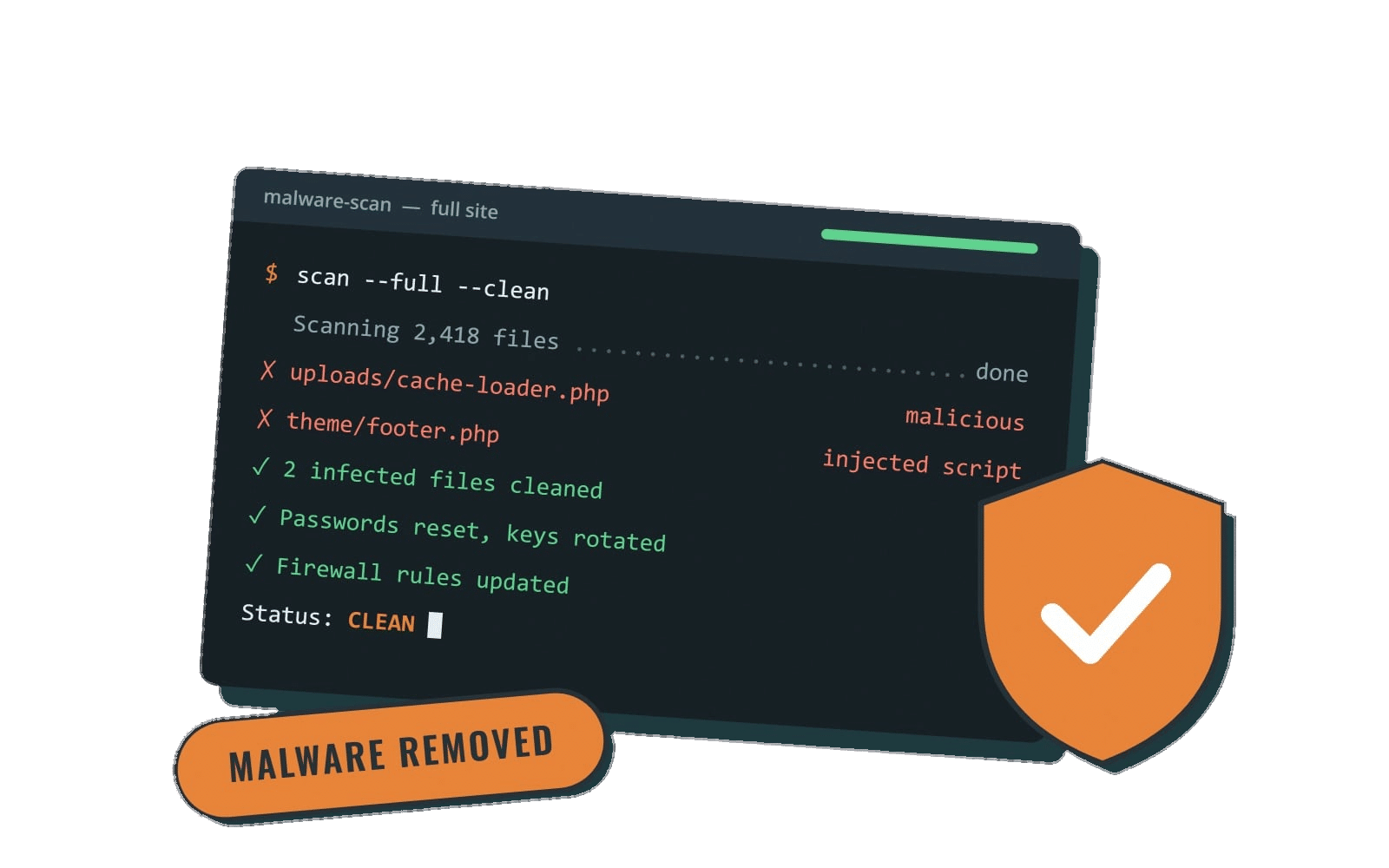
Every Rocket Web Support plan includes SolidWP security and login protection. More on our WordPress security services page. If the worst happens, our guide to WordPress malware removal explains what cleanup involves.
5. Template and theme compatibility checks
Many themes override WooCommerce's default templates to change how product and cart pages look. When WooCommerce updates its own templates, those overrides can fall out of date. WooCommerce flags them at the bottom of WooCommerce → Status → System Status, and fixing them means copying the current template into the theme and reapplying your customizations by hand (How to fix outdated WooCommerce templates). A maintenance provider should check that report after updates and tell you when templates need attention.
6. Speed and housekeeping
Stores slow down over time: large product images, accumulated order and session data, too many plugins. Caching also needs care on a store, because the cart, checkout and account pages must never be served from a cache meant for anonymous visitors. Ask whether speed work is included and whether it's measured before and after. Speed optimization is included on our Premier and Performance plans.
7. Support with stated hours, and a plan for emergencies
If checkout breaks on a Friday evening, who answers? Look for written support hours, response times and a clear definition of an emergency. "24/7" sometimes means 24/7 monitoring rather than 24/7 people, so read the details. Our emergency support page spells out exactly what we cover.
Questions to ask before you hire a WooCommerce maintenance service
| Question | What a good answer sounds like |
|---|---|
| Do you test updates on staging first? | Yes, for WooCommerce, extensions, gateways and the theme together |
| What do you test after updates? | A specific checklist that includes checkout, payment, shipping, tax and order emails |
| How do you handle WooCommerce database updates? | Fresh backup first, then the update, then store testing |
| How would you restore without losing recent orders? | A clear explanation, not just "we have backups" |
| Do you maintain payment, subscription or membership plugins? | Named experience with your setup |
| What are your support hours and emergency coverage? | Written hours, response times and after-hours terms |
| Is there a contract or setup fee? | Month to month is easiest to walk away from if it isn't working |
For more general vetting questions, see How to Choose a WordPress Maintenance Company: 10 Questions to Ask. For a broader look at keeping an online store healthy, read our post on ecommerce website maintenance.
Can you maintain a WooCommerce store yourself?
You can, especially for a small catalog with few extensions. If you do:
- Set up a staging site through your host and use it for every update.
- Keep a written checkout test list and run it after each round of updates.
- Check WooCommerce → Status for outdated templates and errors.
- Review WooCommerce's security advisories and changelog so urgent fixes don't wait for your monthly routine.
The trade-off is time and attention. Owners usually hand this off once the store makes enough that an afternoon of broken checkout costs more than a month of maintenance.
How Rocket Web Support handles WooCommerce stores
WooCommerce support lives on our Performance plan ($325/mo), which builds on Premier and adds:
- WooCommerce and membership support, including payment, subscription and checkout plugins
- Checkout and form testing after updates, so problems are caught before customers run into them
- A priority support queue, so store requests go to the front of the line
- Custom functionality support, keeping custom plugins and integrations working through updates (new custom development is billed at 20% off)
- A discounted accessiBe license if you want an accessibility widget. No widget guarantees legal compliance on its own; our guide to ADA compliant websites explains why.
From Premier, Performance also includes WP Engine hosting, staging-tested weekly updates, unlimited small edits, speed optimization and after-hours emergency response until 10pm Mountain Time.
Support runs weekdays 9am–5pm Mountain Time with same- or next-business-day response. Every plan is month to month with no setup fee, and you can cancel anytime. Backups run through WP Engine and ManageWP. We're based in Nampa, Idaho, and maintain WordPress and WooCommerce sites across the US remotely. See all our WordPress services.
The bottom line
A WooCommerce maintenance service earns its fee in the details: updates tested on staging, a real checkout test after every update, backups that respect your order data, and a person who answers when something breaks. Use the questions above to compare any provider, including us.
Ready to stop worrying about your store's next update? Compare our WordPress care plans and pricing and see whether Performance fits your store.