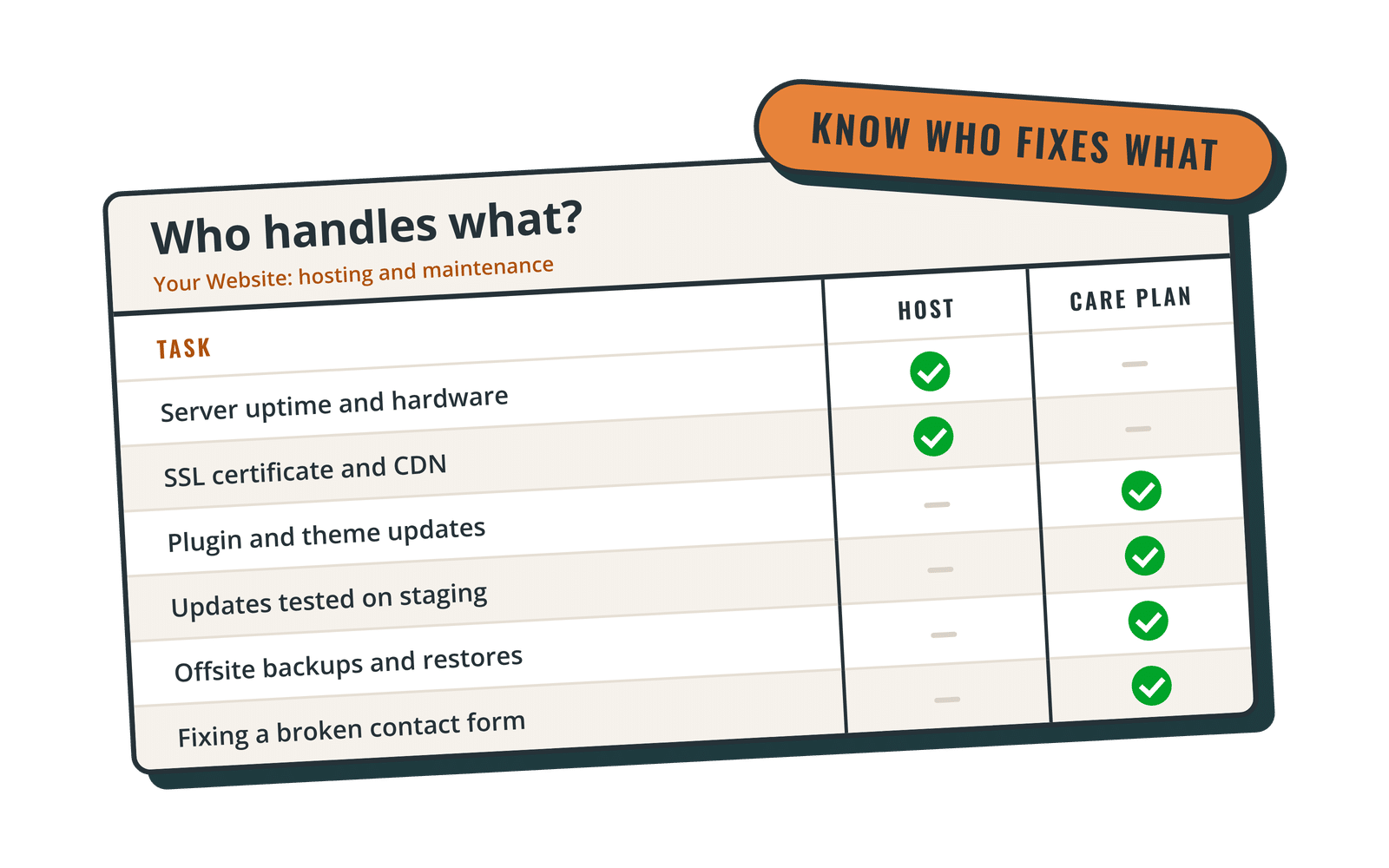
Every WordPress site needs two things to stay online and healthy: a server to run on, and someone to look after the software running on that server. Those are hosting and maintenance. Some companies sell them as one monthly package; others sell only one and expect you to find the other elsewhere.
Neither approach is right for everyone. This guide explains what each part covers, where the gaps usually are, and how to decide whether WordPress hosting and maintenance should come from one provider or two.
What "hosting and maintenance" means
Hosting is the infrastructure: the server, storage, database, network and the software stack (web server, PHP, database engine) that WordPress needs to run. WordPress.org publishes its recommended server requirements, and a good host keeps its servers in line with them.
Maintenance is the care of your actual website: WordPress core, your theme, your plugins, your content and the settings that tie them together. It covers updates, backups you can actually restore from, security monitoring, fixing what breaks and the small edits that keep the site current.
A simple way to separate them: the host is responsible for the building; maintenance is responsible for everything inside it. When a page goes blank after a plugin update, the server is usually fine. The problem lives in the WordPress layer, and that's maintenance work.
What managed WordPress hosting covers (and what it doesn't)
"Managed WordPress hosting" goes further than basic shared hosting. Depending on the provider, it often includes:
- Server-level caching and a CDN for faster page loads
- Automatic WordPress core updates (sometimes plugin updates as an add-on)
- Server-level backups on a schedule
- A staging site you can copy your live site to
- Free SSL certificates
- Firewall and malware protection at the network level
- An uptime commitment, often written into a service level agreement (SLA)
That's a lot of value, and it's why managed hosting is usually a better home for a business site than the cheapest shared plan. (We covered the trade-offs in more detail in the pros and cons of managed WordPress hosting.)
What managed hosting usually does not include:
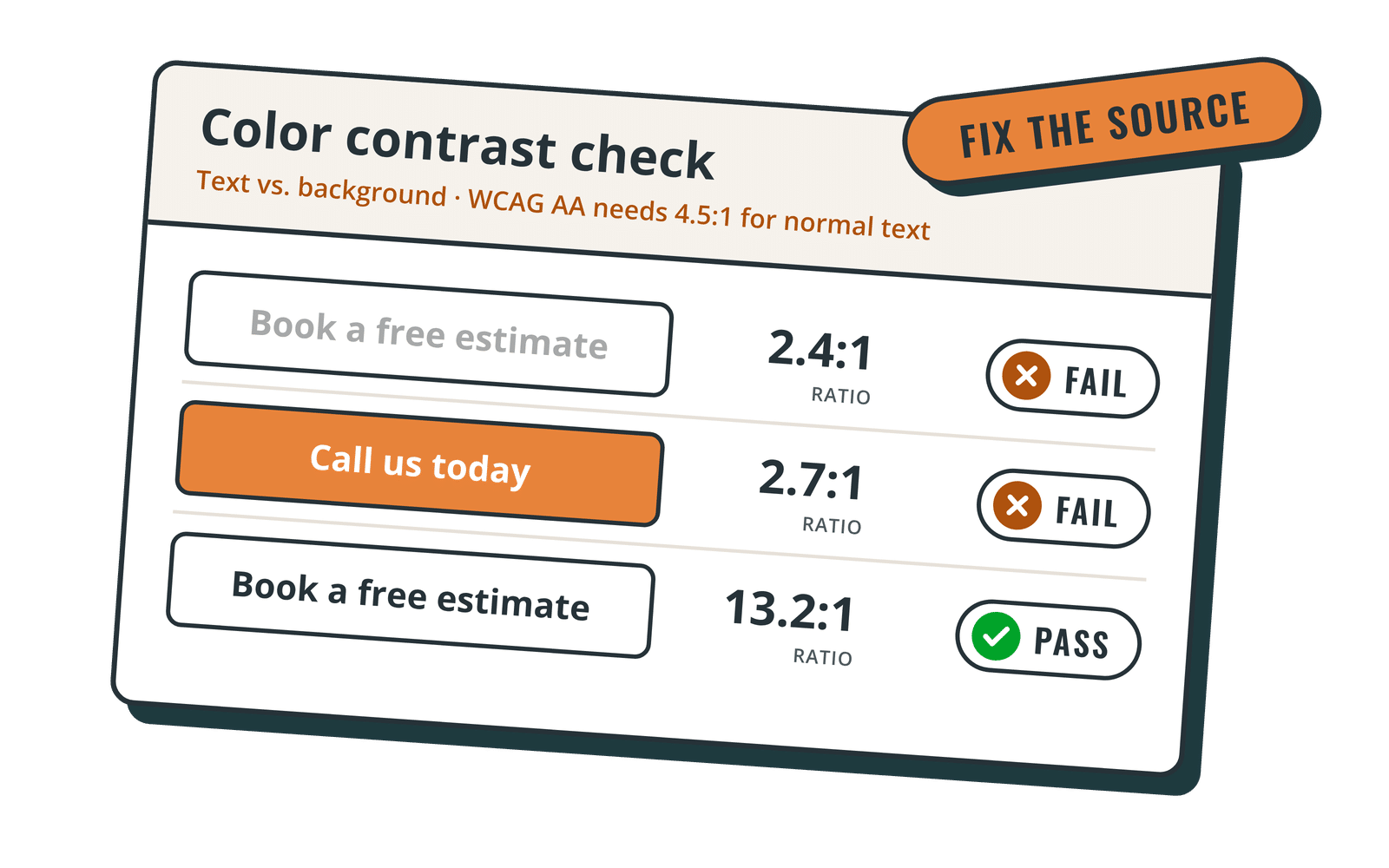
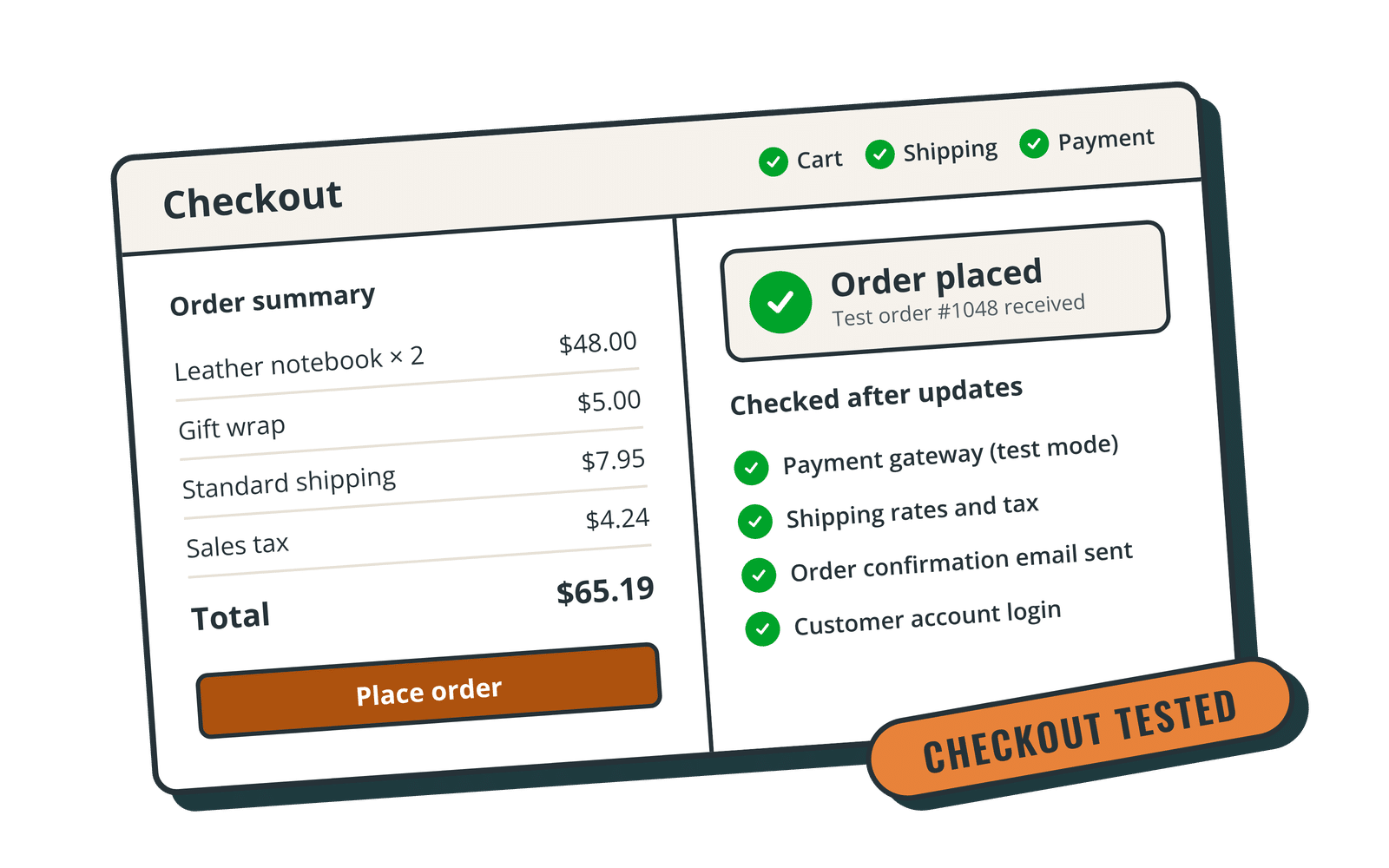
- Testing plugin and theme updates against your site. A host can push updates; it rarely checks that your contact form, checkout or page builder layout still works afterward.
- Fixing your site when a conflict breaks it. Host support will confirm the server is up and may restore a backup, but untangling a plugin conflict or a broken layout is generally outside their scope.
- Content changes and small edits. Updating a price, swapping a photo, adding a page.
- Site-level security hardening and cleanup. Network firewalls help, but login protection, user roles, vulnerable-plugin alerts and a hacked-site cleanup are WordPress-level jobs.
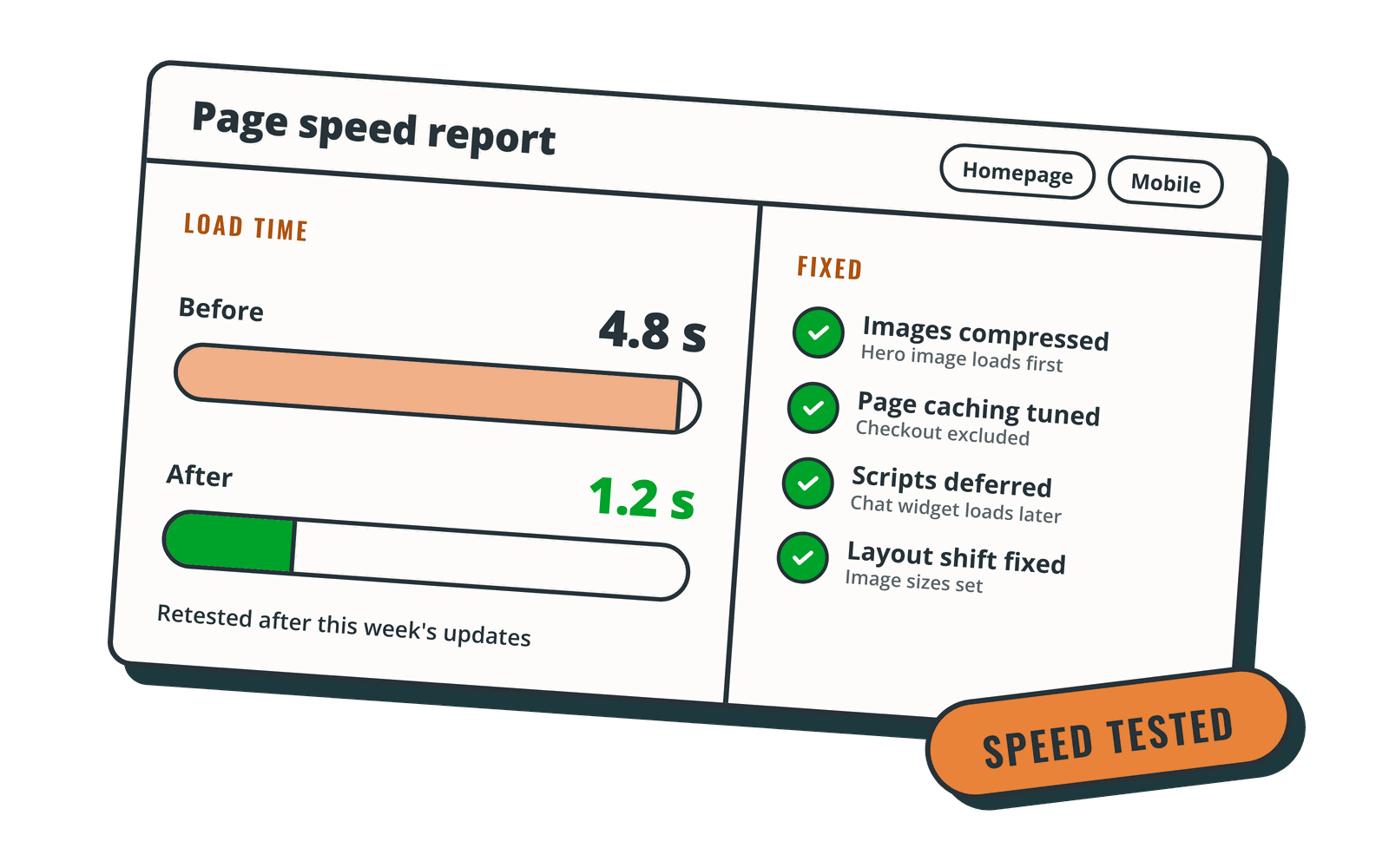
- Speed work inside WordPress. Server caching only goes so far if the homepage loads an oversized hero image and a dozen scripts. See what a WordPress speed optimization service actually fixes.
Always read your host's own support scope. The line between "we help with that" and "that's a WordPress issue" is drawn differently by every provider.
What a maintenance plan adds on top of hosting
A WordPress maintenance plan (also called a care plan) fills the gaps above. A solid plan typically includes:
- Scheduled updates with a backup first, and a check afterward that the site still works. Better plans test on a staging copy before touching the live site. More on this in our WordPress update services.
- Independent backups stored away from the server, so a hosting problem doesn't take your backups down with it. See WordPress backup services.
- Security monitoring and hardening at the WordPress level, from login protection to plugin vulnerability alerts. See WordPress security services.
- Uptime monitoring that alerts a person, not just a dashboard.
- Help when something breaks, with a clear response time.
- Small edits so routine content changes don't sit in your to-do list for weeks.
If you want a fuller checklist, read what a monthly WordPress maintenance package should include.
Bundled vs separate: pros and cons
Here's how the two approaches compare in practice.
Bundled hosting and maintenance
Pros
- One point of contact. When the site goes down, you send one email. Nobody can say "that's the host's problem" or "that's your developer's problem," because it's the same team.
- Faster fixes. The team doing maintenance already has server access, staging, logs and backups, so diagnosing an issue doesn't start with asking you for logins.
- Fewer invoices and accounts. One monthly bill instead of a hosting renewal plus a maintenance subscription.
- Hosting chosen by people who work on WordPress every day. A maintenance provider has a strong incentive to pick hosting that's fast and stable, because they're the ones called when it isn't.
Cons
- More eggs in one basket. If you part ways with the provider, you're moving your hosting and your maintenance at the same time.
- Less choice of host. You use the provider's platform, not necessarily the one you'd have picked.
- Account ownership can get murky. Make sure you know who owns the hosting account, the domain and the backups (more on that below).
Hosting and maintenance from separate providers
Pros
- You keep your current host. No migration, no DNS changes, no downtime risk from moving.
- Easy to switch one side. Unhappy with maintenance? Change providers without touching the server, and vice versa.
- Sometimes cheaper, especially if you already pay for a hosting plan upfront for several years.
Cons
- Gaps and finger-pointing. When a problem sits on the line between server and WordPress, two support teams can each say it belongs to the other.
- Slower troubleshooting. Your maintenance provider may need to open a ticket with your host to get logs, change PHP versions or restore a server backup.
- Two sets of access to manage. You'll need to give your maintenance provider hosting access (ideally as a separate user, not your own login).
A quick rule of thumb
Bundling usually makes sense when your site earns money or leads, you don't want to referee between vendors, and your current hosting is slow or basic. Keeping them separate makes sense when you're happy with a good host, are locked into a prepaid term, or have internal IT that already manages servers.
Questions to ask before you bundle
Whichever route you choose, ask these before you sign up:
- Who owns the hosting account and the domain? Your domain registration should be in your name. If the provider hosts your site, ask how you'd get a full copy of it if you leave.
- Where are backups stored, and how long are they kept? Look for backups stored separately from the hosting server, and ask how quickly a restore happens.
- Who is the actual host? Many maintenance providers resell or manage hosting from a known platform. Knowing which one tells you a lot about performance and uptime commitments.
- Is there an uptime SLA, and what does it cover? An SLA describes the server's availability, not whether a plugin conflict broke your homepage.
- What happens when an update breaks the site? Ask whether updates are tested on staging first and who fixes conflicts.
- What are the support hours and response times? "24/7" can mean automated monitoring, not a person. Ask what happens at 8pm on a Saturday.
- Is there a contract or setup fee? Month-to-month terms make it easier to leave if the fit isn't right.
- Does the plan cover your type of site? Online stores and membership sites need extra testing after updates. See what WooCommerce maintenance should include.
For more questions on picking a provider in the first place, read how to choose a WordPress maintenance company.
How Rocket Web Support handles hosting (Premier and Performance)
We offer both approaches, depending on the plan:
- Core and Essentials work with your current host. If you're happy where your site lives, we maintain it there. Core includes monthly updates; Essentials moves to weekly updates and adds uptime monitoring, spam protection and five small edits a month.
- Premier ($250/mo) and Performance ($325/mo) include hosting. Your site runs on WP Engine with Cloudflare CDN, backed by WP Engine's 99.95% uptime SLA. On top of hosting you get weekly updates tested on staging first, speed and image optimization, unlimited small edits and after-hours emergency response until 10pm Mountain Time. Performance adds a priority support queue, WooCommerce and membership support, checkout and form testing after updates, and a discounted accessiBe license.
Every plan includes SolidWP security and login protection, daily offsite backups, a fresh backup before every update, and business-hours support (weekdays 9am to 5pm MT) with a same or next business day response. If something breaks badly, see our emergency WordPress support options.
Billing is month to month, with no setup fee, and you can cancel anytime. We're based in Nampa, Idaho, and work with WordPress sites across the US.
The bottom line
Hosting keeps your site's server running. Maintenance keeps the website on that server working, secure and up to date. You need both. Bundling them trades a little flexibility for one accountable team and faster fixes; keeping them separate trades some coordination for freedom to choose each side.
If you'd like one team handling both, or want care for a site that stays with your current host, compare our WordPress care plans and pricing.